clipping
Whop Content Rewards Clipping: A Phone-Only Workflow
How Whop Content Rewards clipping works, how to pick campaigns, and a phone-only workflow to turn long videos into approved clips while keeping tool costs low.
Read article cuplikin.
CUPLIKIN BLOG
How to find the moments worth sharing in long videos, make captions people read, and publish clips that fit every platform.
clipping
How Whop Content Rewards clipping works, how to pick campaigns, and a phone-only workflow to turn long videos into approved clips while keeping tool costs low.
Read articleclipping tools
Looking for an AI clip maker without a watermark? Check these five things in any free plan: watermark, export resolution, storage time, credit limits and mobile.
Read articlecomparison
Looking for a free OpusClip alternative? A fair comparison of the OpusClip and Cuplikin free plans: watermark, resolution, storage, cloud vs local, and which to pick.
Read articleclipping
How to get your first clipping client: pick a niche, make samples from your target creator's videos, send short outreach, price clear packages and keep clients.
Read articleprivacy
Want to clip videos without uploading them to the cloud? Learn how cloud and local clip makers differ, and the privacy questions to ask about storage and AI.
Read articlestreaming
How to clip streams: get the VOD with the streamer's permission, sift hours of footage, pick strong moments, stack facecam and gameplay in 9:16 and post on a rhythm.
Read articlepodcast
How to turn one 1–2 hour podcast episode into 10 ready-to-post clips: pick a varied mix of moments, plan a 7-day posting schedule, and point viewers to the full episode.
Read articlecaptions
Auto captions often get names, slang, numbers, and mixed languages wrong. Recording tips, how to fix transcript mistakes, and on-device vs cloud transcription.
Read articleeducation
Turn Zoom or Meet class recordings into short educational clips for TikTok, Reels and Shorts: pick one concept, frame slides and teacher, and protect student privacy.
Read articlerepurposing
Turn long videos into short clips with a repeatable workflow: transcribe, find hooks, trim, caption, reframe to 9:16 and export for TikTok, Reels and Shorts.
Read articlehooks
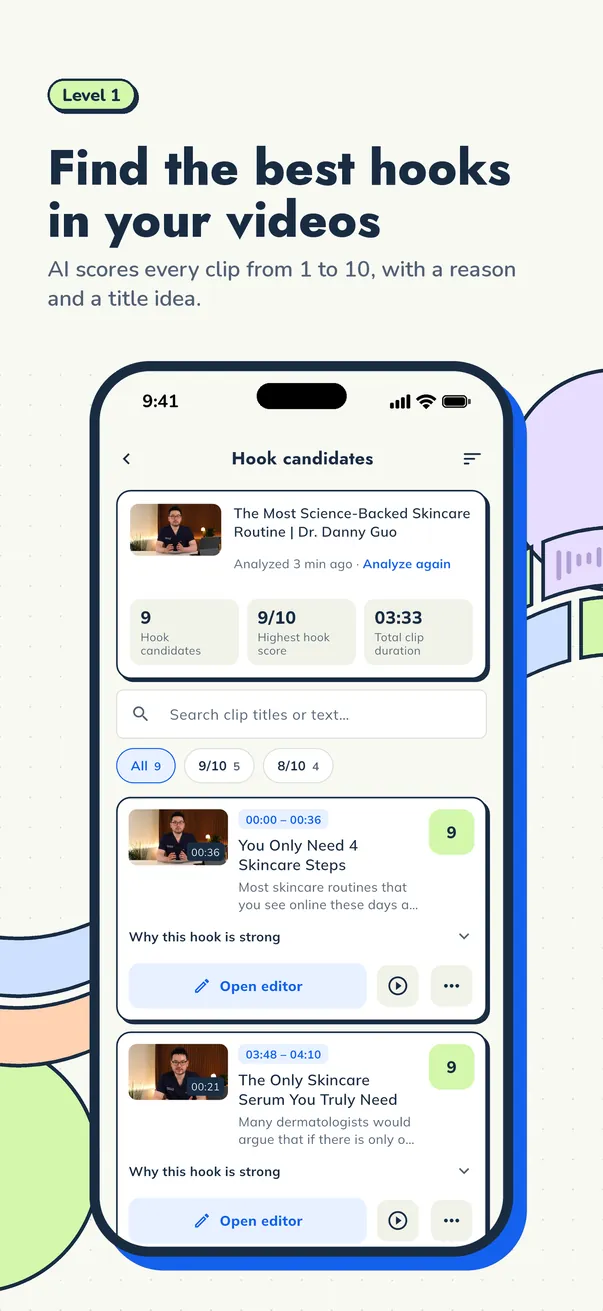
Learn how to find video hooks in long recordings: the moments to look for, a transcript-first method, and how to judge which best moments become short clips.
Read articlepodcast
Turn a podcast episode into podcast clips for Shorts, Reels and TikTok: pick moments, frame two speakers in 9:16, add captions and export a week of posts.
Read articleclipping
How to become a video clipper: the skills you need, how to build a portfolio, where clipping jobs come from, and a simple workflow to deliver clips fast.
Read articlecaptions
Auto captions for short videos: how to get accurate subtitles for Reels, TikTok and Shorts, plus caption styles, sizes and positions that stay readable.
Read articleaspect ratio
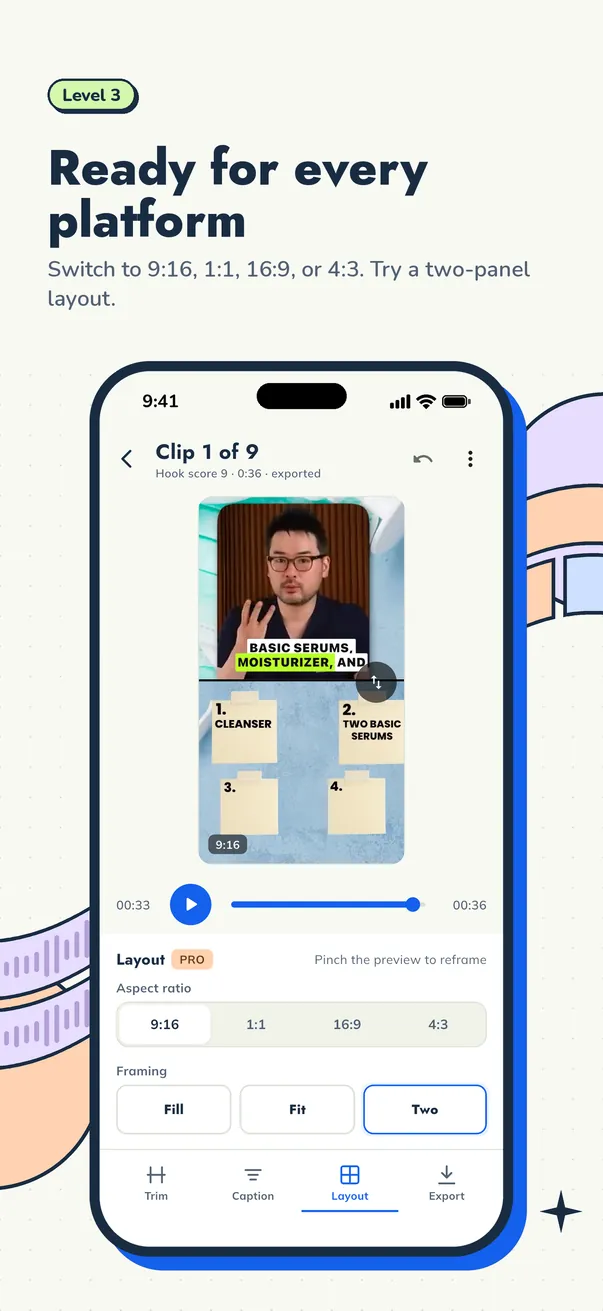
Which aspect ratio for Reels, TikTok and YouTube Shorts? Learn when to use 9:16, 1:1, 16:9 or 4:3, and how to reframe long videos without cutting faces.
Read articleexport settings
The best export settings for TikTok, Reels and Shorts: resolution, frame rate, bitrate and codec explained simply, so your clips upload sharp and clean.
Read articlevertical video
How to convert horizontal video to vertical 9:16 without cutting off the speaker: crop to the face, use a two-panel layout, or fit the full frame.
Read articlemobile editing
How to clip long videos on iPhone or Android: import, transcribe, find the best moments, add captions, reframe to 9:16 and save clips to Photos.
Read articlerepurposing
How to repurpose a webinar or interview into short clips for TikTok, Reels and Shorts: pick the moments, frame slides and speakers, caption, and export.
Read article