To get your first clipping client, pick one niche you understand, make two or three sample clips from the public videos of a creator you want to work with, then send a short message that shows those samples and offers a clear package. First clients rarely come from mass messages. They come from a specific offer that lets a creator see the result before paying anything.
This article picks up where how to become a video clipper leaves off. If you are still learning the basic skills and building a portfolio, start there. Here the focus is selling the service: niche, samples, outreach, packages, a written agreement, delivery and keeping clients.
One honest note before we start: there is no guaranteed income. Many messages will go unanswered, and it can take time before anyone pays you on a regular basis.
Step 1: Pick a narrow niche
"Clipping for every creator" sounds broad, but it is hard to trust. Creators say yes more easily to a clipper who already understands their content.
Choose a niche with three questions:
- Do you actually watch this content? You will find good moments faster in topics you know, such as business podcasts, gaming, fitness or personal finance.
- Does the creator publish long videos regularly? Weekly podcasts, daily streams and monthly webinars give you repeat work.
- Are they not yet posting short clips consistently? Creators who already have a clipping team are usually not a realistic first target.
Start with a list of 15 to 30 creators in that niche. Note how often they publish, on which platforms, and whether they already post Shorts, Reels or TikToks.
Step 2: Make samples from the target creator's public videos
General portfolio samples are useful, but samples cut from the creator's own video are far more convincing. They instantly see their own content working in a vertical format.
How to make them:
- Take one of their recent episodes or recordings.
- Pick the two or three strongest moments. The guide on how to find hooks in long videos helps here.
- Trim, caption and reframe each one to 9:16 cleanly.
- Write down the original timestamp of each moment so the creator knows exactly which part you used.
A note on permission: these samples go straight to the creator as an example. Do not upload them to your own account. Never post someone else's content as your own without permission. Send them as a private link or a file.
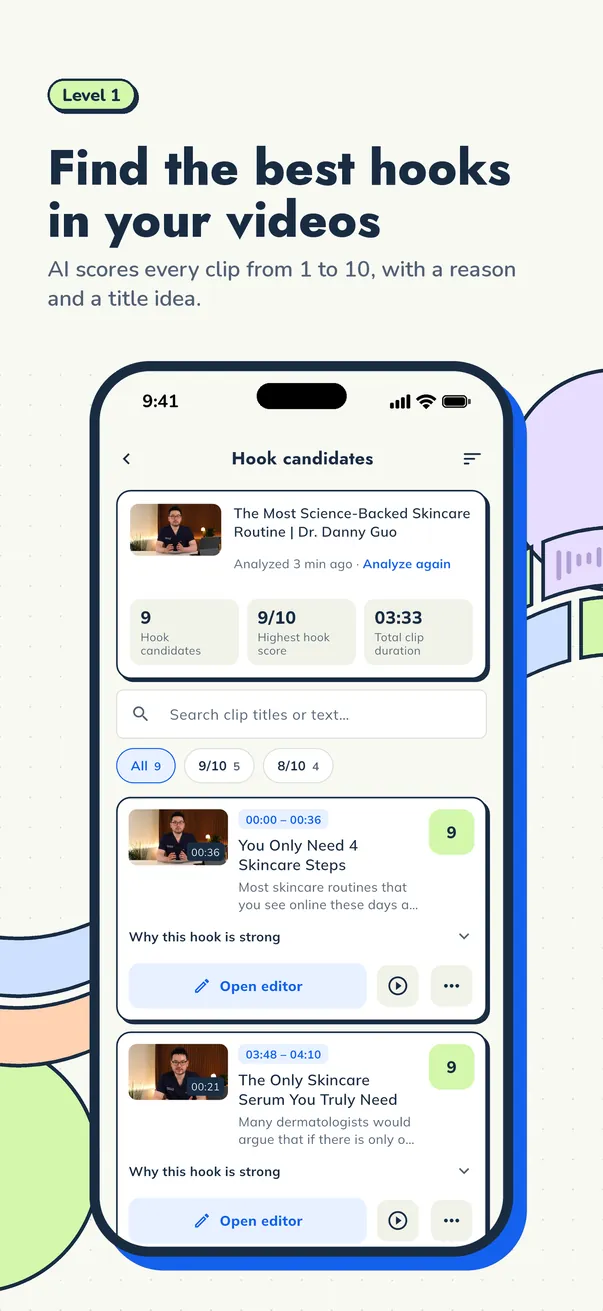
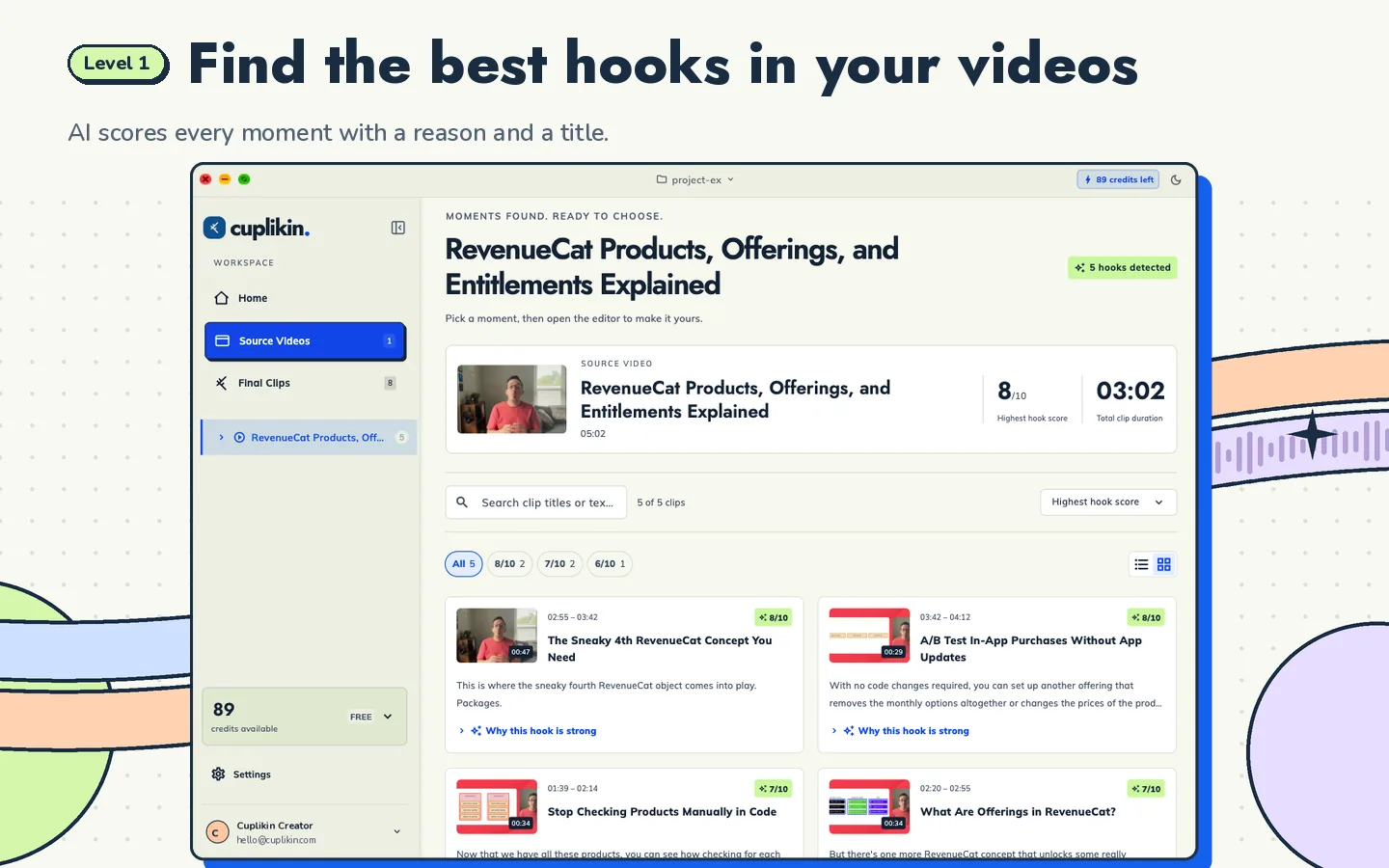
In Cuplikin, AI hook detection gives each segment a score from 1 to 10, a reason and title ideas, so you can shortlist candidates from a long episode quickly. You still make the final call; the score helps you judge, it does not guarantee views.
Step 3: Send short outreach messages
The messages that get replies are short, personal and show the work straight away. Skip the long paragraph about yourself.
Example DM:
Hi [name], I'm [your name], a clipper who focuses on [niche] content. I cut your latest episode about [topic] into 3 captioned vertical clips. Here's the link: [private link]. If you like them, I can send you clips from every new episode each week. Want me to share the details?
Example email, subject line "3 vertical clips from [episode title]":
Hi [name], I'm [your name], and I make short clips for [niche] creators. I made 3 sample clips from [episode title], taken from [timestamp], [timestamp] and [timestamp]. They are captioned and ready for Shorts, Reels and TikTok: [private link]. These are samples only and I haven't posted them anywhere. If you're interested, I can deliver clips from each new episode with a consistent caption style. Thanks for your time, [your name].
A few simple rules:
- Write to one creator per message. Do not copy and paste without changing the name and topic.
- Follow up once after a few days if there is no reply. After that, move on to the next creator.
- If the creator lists a manager or a business email, use that instead of DMs.
Step 4: Build clear service packages
Creators decide faster when the options are few and clear. Two common models:
- Per clip. Good for new clients who want to try you out. Set a price per clip that already includes captions and reframing.
- Weekly or monthly package. For example, a set number of clips from every new episode, delivered on a fixed day. Good for creators who publish on a schedule.
What to spell out in every package:
| Item | Example |
|---|---|
| Number of clips | 5 clips per episode |
| Clip length | 30 to 60 seconds |
| Included | captions, 9:16 reframe, title and post caption |
| Revisions | 1 revision per clip |
| Delivery | every Monday |
| Posting | delivered to the client, or posted directly if agreed |
On clipping service pricing, there is no standard rate. Prices depend on the niche, your experience, the length of the source video and whether you also handle posting. As an example of the math only: if you charge $10 per clip, a package of 5 clips a week comes to $50 a week. That figure is not a market rate; work out how many hours each clip takes you, then set your own price.
For a first client, many clippers offer a short trial, such as one batch at a lower price. Write down where the trial ends so it does not turn into open-ended free work.
Step 5: Put a simple agreement in writing
A contract does not have to be complicated. One document or message that both sides approve is far better than a verbal deal. Include:
- Scope: number of clips, length and what is included
- Delivery schedule and the deadline for feedback
- Number of revisions
- Payment: amount, timing (upfront, per batch or monthly) and method
- Who posts the clips, and on which account
- Usage rights: the clips belong to the creator once paid; you may show them in your portfolio only with permission
- How either side can end the arrangement, for example with one week's notice
If a creator offers a performance-based deal, read the terms carefully and make sure you understand when and how you get paid.
Step 6: Deliver work cleanly
How you deliver shapes how professional you look:
- One folder per batch, for example per episode or per week.
- Clear file names, such as
ep42-startup-costs-01.mp4. - One companion document with the title, post caption and original timestamp for each clip.
- Deliver on the same day every week, as agreed.
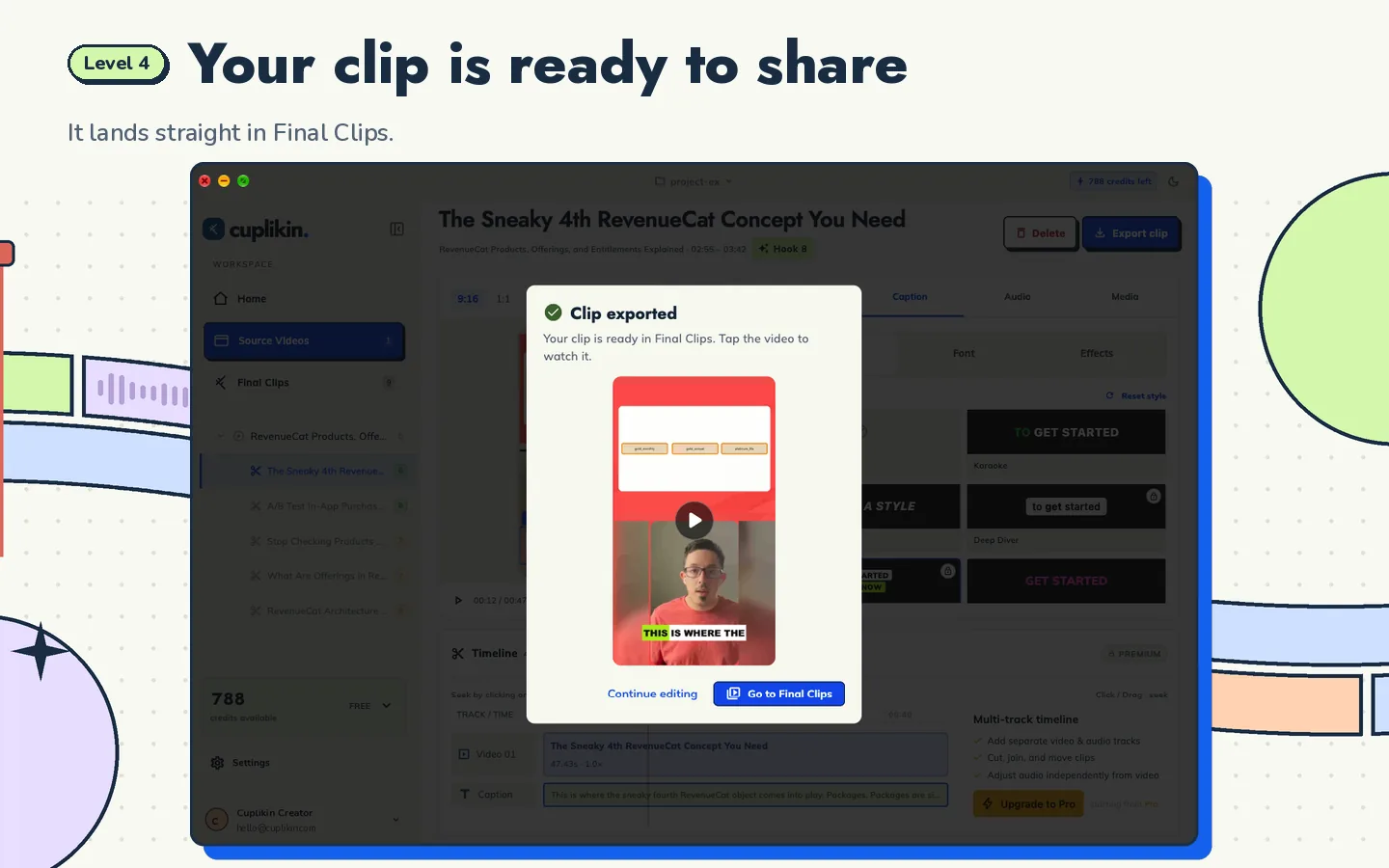
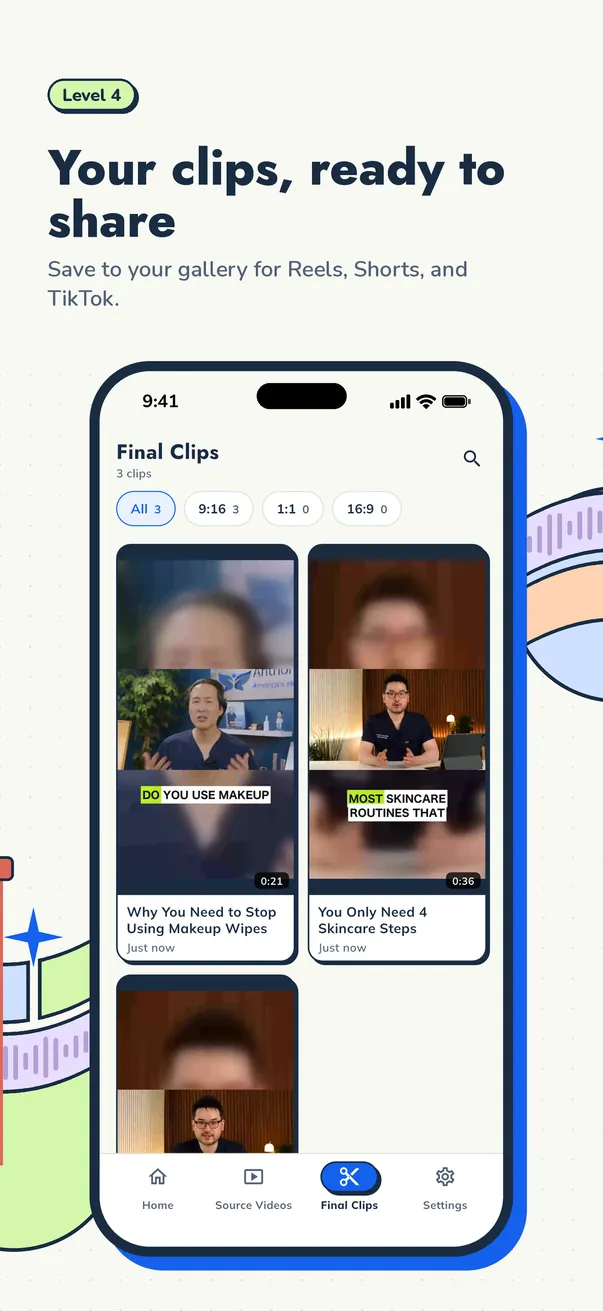
In Cuplikin, each clip can be exported with its own title and social caption, and exports have no watermark, including on the Free plan. If you work from your phone, clips are saved to Photos or your gallery, so they are easy to send through a file-sharing service.
Step 7: Keep the clients you win
Winning a new client is much harder than keeping an existing one. A few habits that help:
- Ask for feedback after the first batch, then note their preferences: caption style, clip length, topics to avoid.
- Send a monthly summary if you have analytics access: which clips got the most views and what they had in common.
- Suggest ideas, such as a themed clip series or a new format, without promising view counts.
- Be on time. Consistency is remembered longer than one viral clip.
- Ask for a referral after a few smooth months. A recommendation from a happy client is often where your next client comes from.
If your client is a podcaster, how to turn a podcast into Shorts, Reels and TikToks covers framing two speakers. If your client is a streamer, read how to clip live streams. The full workflow from long video to finished clip is in how to turn long videos into short clips.
FAQ
How much should a beginner clipper charge?
There is no standard rate. Pricing depends on the niche, the number of clips, the length of the source video and whether you also handle posting. Time how long each clip takes you, offer a clear package, then raise your price as your portfolio and referrals grow.
Can I make samples from another creator's videos?
Yes, as an example sent directly to that creator, for instance through a private link. Do not upload those samples to your own account or claim them as your own without permission, because the content still belongs to the creator.
How long does it take to land the first client?
There is no way to know for sure. Some clippers get a reply to their first message, others send dozens. What you can control is the quality of your samples, how well you choose your targets and how consistently you send outreach.
Try it with Cuplikin
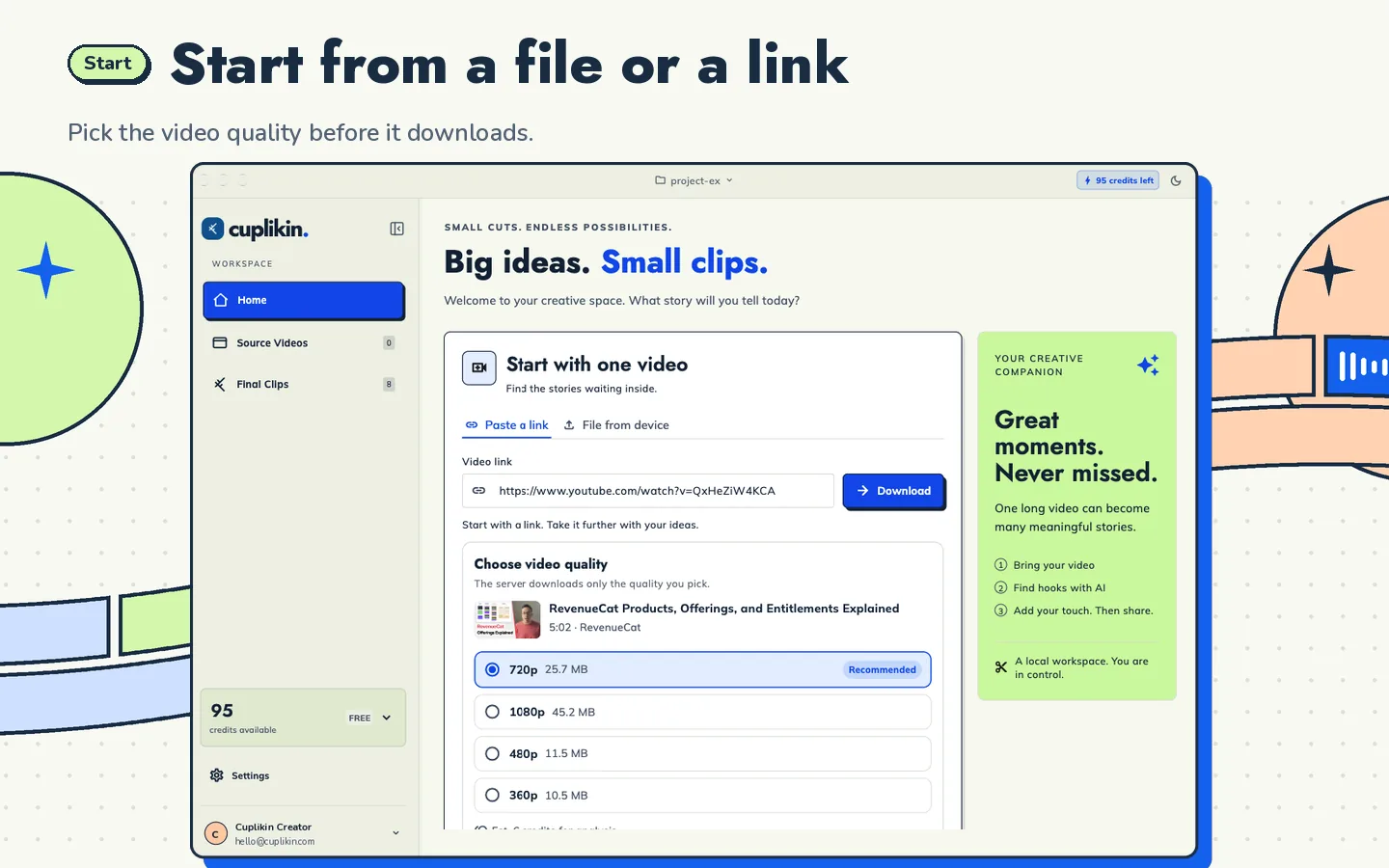
Cuplikin helps you make samples for prospective clients quickly: import a video, get hook suggestions with scores and reasons, trim, caption, reframe to 9:16 and export without a watermark. It is free to download for Mac, iPhone, iPad and Android. Download Cuplikin and prepare samples for the first creator on your list.