A video clipper turns long videos, such as podcasts, streams, interviews and webinars, into short vertical clips for TikTok, Instagram Reels and YouTube Shorts. To become one, learn to spot strong moments, practise a fast trim-caption-reframe workflow, build a small portfolio from public or your own content, and then offer clips to creators who publish long videos but do not have time to cut them.
This guide covers the skills, the tools, how to find your first clients, and the habits that help clippers keep work coming.
What does a video clipper do?
Most clipping work comes down to five tasks:
- Watch or read through a long recording.
- Pick the moments most likely to hold attention.
- Trim each moment into a self-contained short clip.
- Add captions and reframe to vertical 9:16.
- Export, title and deliver, or post directly if that is part of the job.
Some clippers work for one creator. Others handle several shows at once. Some get paid per clip, some per month, and some through performance-based programs that creators or brands run. Terms vary widely, so read every agreement carefully.
The skills that matter most
Judging moments
The most valuable skill is choosing what to clip. Editing can be learned in a weekend; knowing which 40 seconds of a two-hour stream will make people stop scrolling takes practice. Study how to find the best hooks in a long video and watch what performs in your niche.
Clean, fast trimming
Start on the hook, cut filler, end on the payoff. Good clippers trim tightly without making speech sound chopped.
Captions
Most short-form clips are captioned. Learn which styles are readable on a phone, and how to keep captions accurate. See auto captions for short videos.
Vertical framing
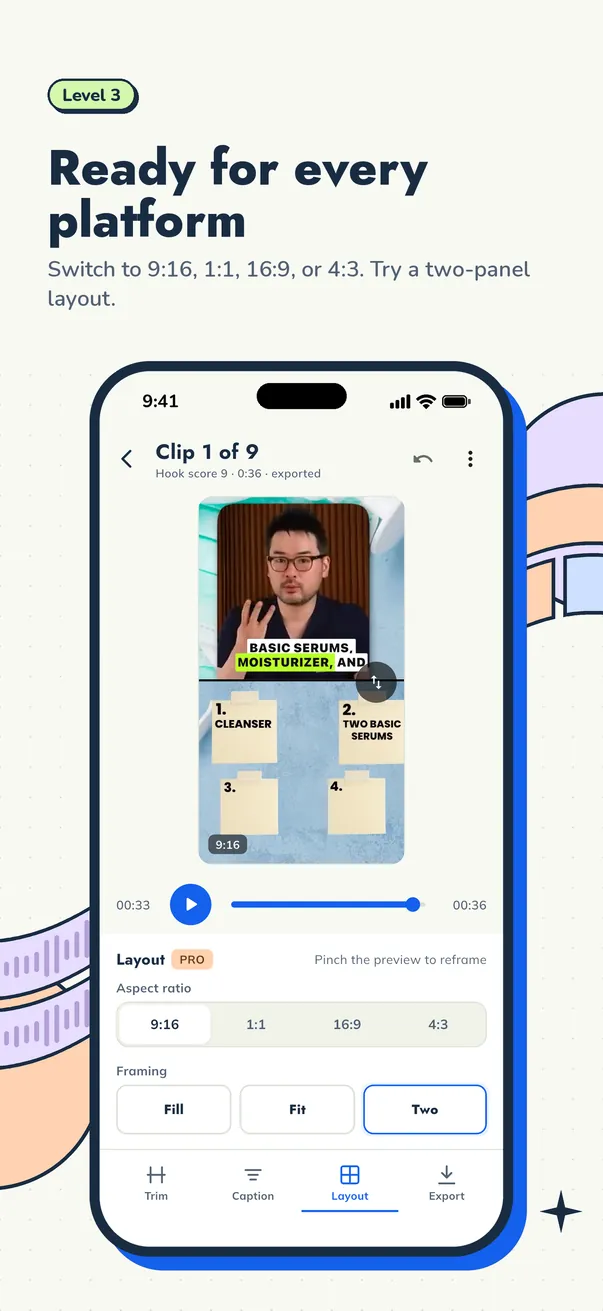
Most source videos are horizontal. You need to keep the speaker in frame when converting to 9:16, and know when to use a two-panel layout instead.
Reliability
Creators hire clippers to save time. Delivering on schedule, following their style, and communicating clearly will keep clients longer than any editing trick.
Tools you need to start
You do not need an expensive setup. A beginner clipper needs:
- A computer or phone that can handle video
- An app that transcribes, trims, captions, reframes and exports
- Storage for source files and finished clips
- A simple way to share files with clients
Cuplikin is built for this workflow and runs on Mac (Apple silicon), iPhone, iPad and Android. It is free to download, with Pro subscriptions and credit packs available as in-app purchases. Exports have no watermark, which matters when you deliver work to clients. Projects and media stay on your device and never expire.
How to build a clipping portfolio
Clients want to see what you can do. You can build a portfolio before your first job.
- Clip your own content if you have any long videos.
- Practise on public long-form content in a niche you understand. Keep these as private samples and respect each creator's rights; do not post someone else's content as your own without permission.
- Make five to ten strong samples across different formats: a podcast, an interview, a lesson, a stream.
- Show before and after. Note the timestamp in the original and show the finished clip, so clients see your judgment, not just your editing.
- Keep a consistent caption style to show you can work to a brand.
Where clipping jobs come from
There is no single place to find clipping work. Common routes include:
- Reaching out directly to podcasters and creators who post long videos but few clips
- Freelance marketplaces where creators post editing and clipping jobs
- Creator communities on social platforms and forums
- Referrals from existing clients, which often become the best source over time
- Clipping programs that some creators and brands run to reward clips that perform
When you reach out, be specific. Send one or two sample clips made from that creator's own public content, explain what you would deliver each week, and keep the message short.
A fast workflow for clippers
Speed matters when you handle several shows. Here is a workflow that scales:
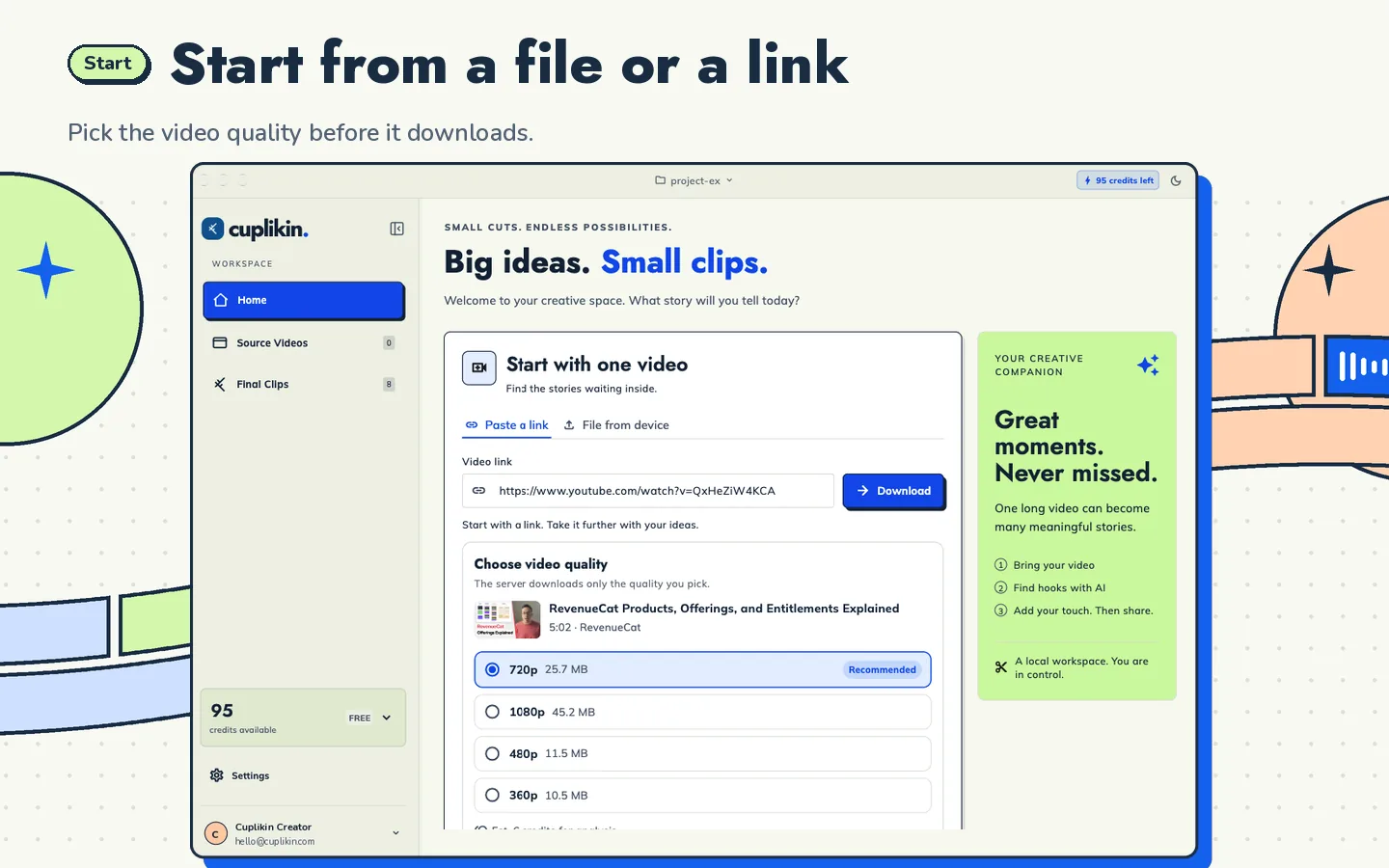
- Import. Start from the source file or a supported link. Cuplikin accepts MP4, MOV and MKV on Mac, Photos or Files on iPhone, and supported URLs such as YouTube, downloaded through Cuplikin's service.
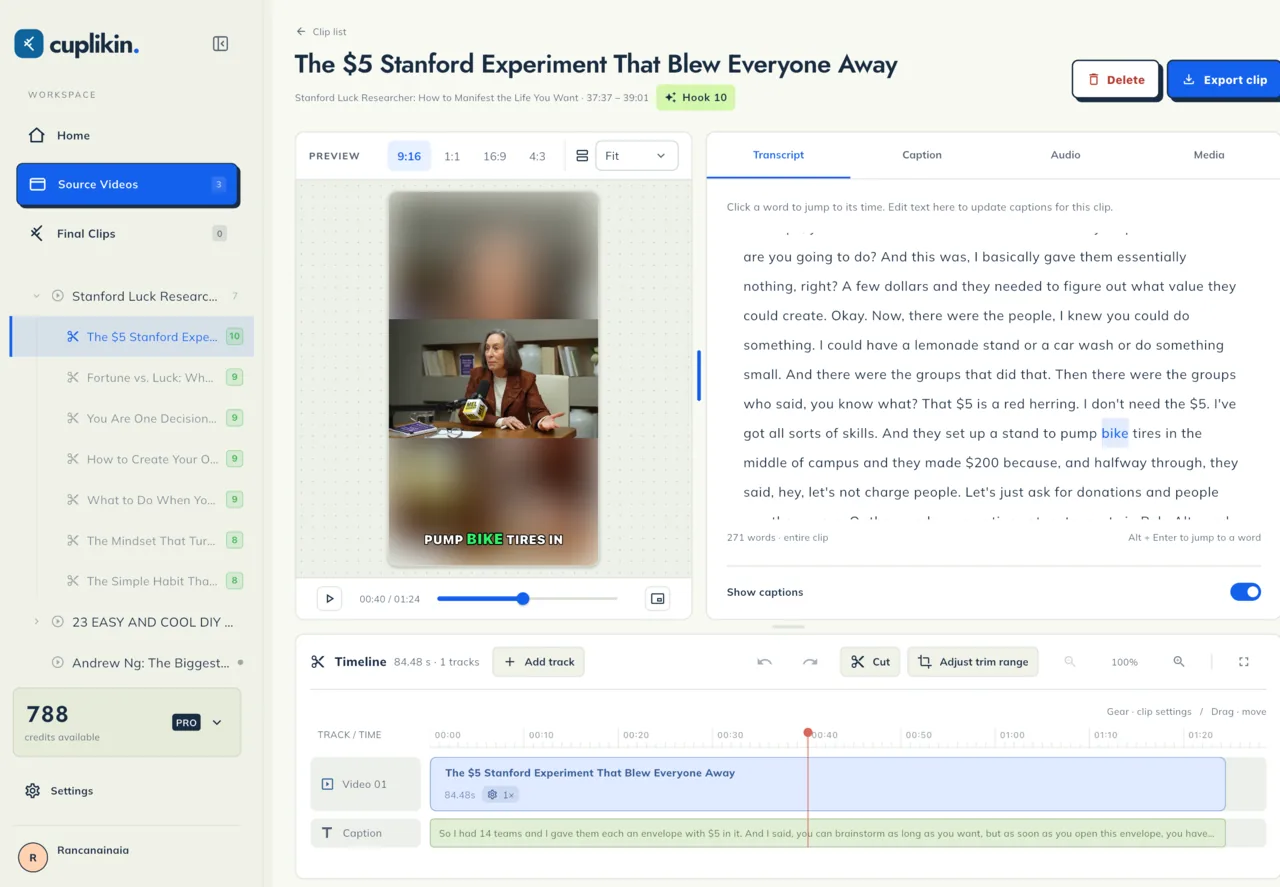
- Transcribe and review. Get a timestamped transcript, on-device or with Cuplikin Cloud, and fix names and terms. Click any word to jump to it.
- Shortlist hooks. Cuplikin's AI hook detection scores each segment from 1 to 10 with a reason and a title idea. You choose which to keep; scores help judge ideas but do not guarantee views.
- Trim and caption. Trim on the timeline; edit the transcript word by word to update captions. Apply a caption preset such as Karaoke, Beasty, Deep Diver or Highlight Box.
- Reframe. Set 9:16 and crop to the speaker's face, or use a two-panel layout for slides and speaker.
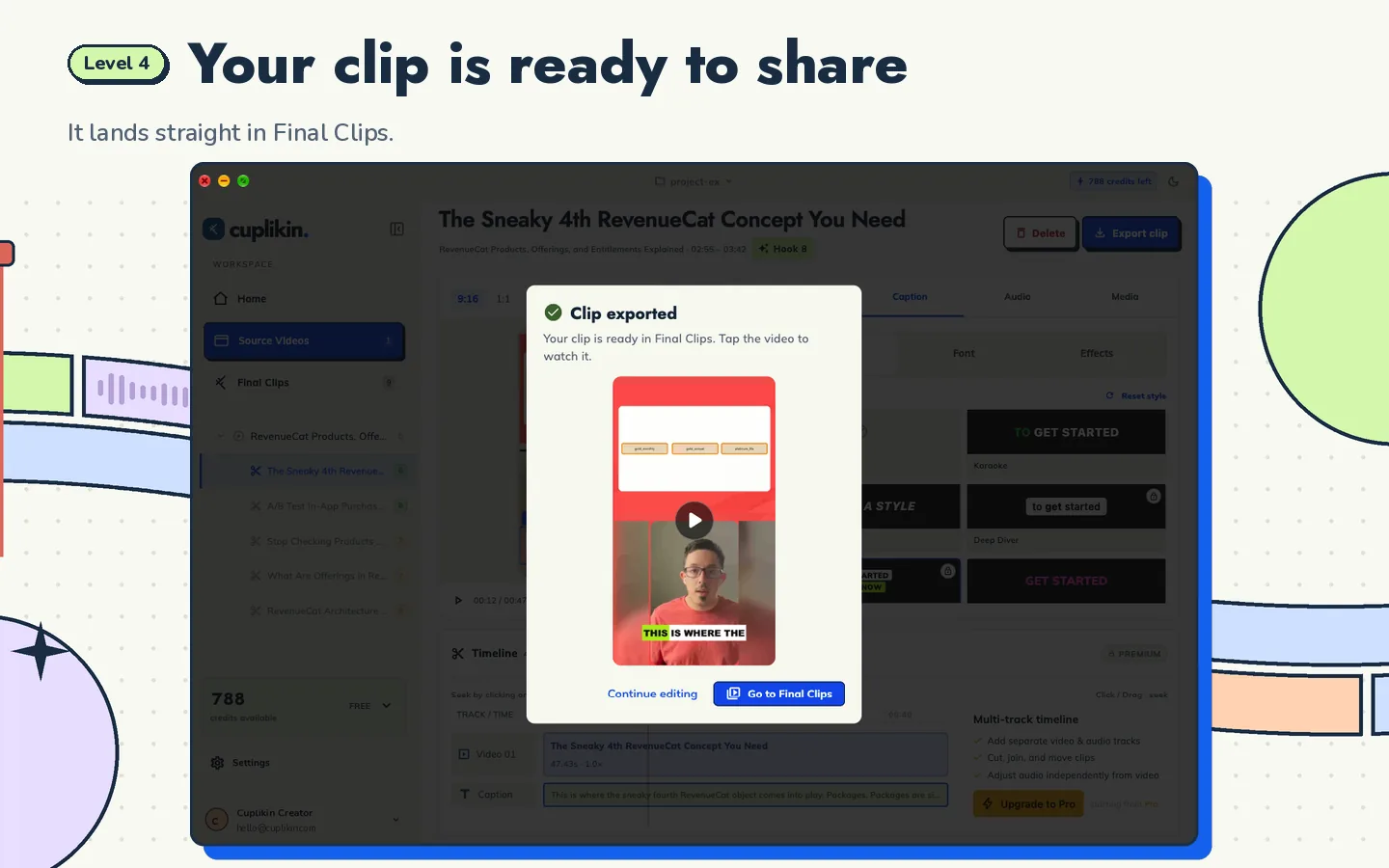
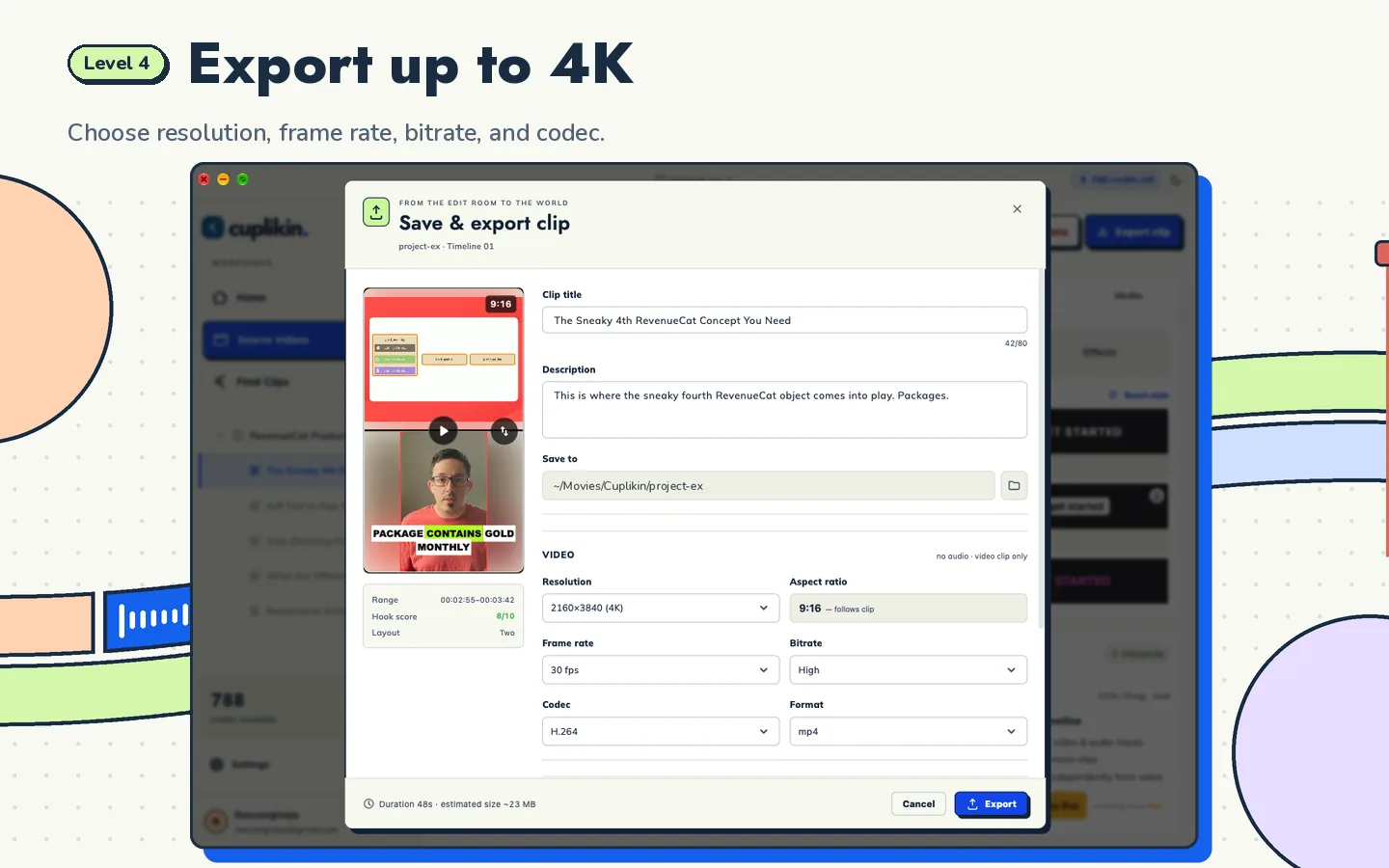
- Export. Choose resolution (up to 4K), frame rate, bitrate and codec, and write a title and social caption for each clip.
For the complete step-by-step version, read the pillar guide on how to turn long videos into short clips. If most of your clients are podcasters, see how to turn a podcast episode into Shorts, Reels and TikToks.
Habits that keep clients
- Agree on a style guide early. Fonts, caption style, colors, end screens, title tone.
- Deliver in batches on a fixed day each week.
- Name files clearly, with the episode and topic in the filename.
- Track what performs if you have access to analytics, and share what you learn.
- Ask for feedback after the first batch, then adjust.
Common beginner mistakes
- Clipping moments that need context to make sense
- Using captions that are too small or covered by platform buttons
- Long, slow intros before the hook
- Cropping the speaker's face out of frame in vertical
- Promising results like a set number of views; no one can guarantee that
FAQ
Do I need editing experience to become a video clipper?
No. Basic trimming, captions and vertical framing are enough to start, and tools that work from a transcript make the process much faster. Your judgment about which moments to clip is what improves most with practice.
Can I be a clipper using only my phone?
Yes. Cuplikin runs on iPhone and Android as well as Mac, with the same core steps: transcribe, find hooks, trim, caption, reframe and export. On phones, finished clips save straight to Photos or your gallery. See how to clip long videos on iPhone or Android.
How do clippers get paid?
Arrangements vary: per clip, a monthly retainer, or performance-based programs some creators run. Agree on terms in writing before you start, including how many clips, how often, and who posts them.
Try it with Cuplikin
Cuplikin gives new clippers one app for the whole job: import, transcribe, AI hook suggestions, trim, captions, vertical framing and export up to 4K, with no watermark. It is free to download for Mac, iPhone, iPad and Android. Download Cuplikin and make your first portfolio clip today.