If you want to clip videos without uploading them to the cloud, choose an app that processes video on your own device: the source file is read from your laptop or phone, cut there, and the exports are saved there too. Before you trust any app, ask three questions: where are files stored, what is sent to a server when AI features run, and how long is that data kept?
This guide explains who needs a local tool most, how local and cloud clip makers differ, and how to read an app's privacy claims without being fooled by the word "offline".
Why many people don't want their videos uploaded
Uploading video to a third-party server feels normal until you are holding a file that isn't entirely yours. A few common situations:
- Podcasters with raw recordings. Raw files contain the parts that get cut before release: off-the-record chat, a guest's business numbers, or a sentence the guest asked you to remove. That file shouldn't be sitting on someone else's server.
- Company teams. Town hall recordings, demos of unreleased products, and internal meetings are often covered by a data policy. Legal teams usually ask where files go before a new tool is approved.
- Clippers with corporate clients. Many clients ask for an NDA. If you upload a client's video to a service the agreement doesn't cover, you can breach the NDA without realising it.
- Teachers and course creators. Paid course material is the product. If it leaks, it loses value. Class recordings can also include students' faces and voices.
- Bandwidth. This is the most practical reason. A two-hour podcast video can be several gigabytes. Uploading it over mobile data or slow Wi-Fi costs time and money, especially when a failed upload has to start again.
For more on cutting this kind of recording, read how to repurpose webinars and interviews into clips.
Cloud clip makers vs. local clip makers
Both kinds of tool can produce good clips. The difference is where the heavy work happens and where your files live.
| Aspect | Cloud clip maker | Local clip maker |
|---|---|---|
| Where files are processed | Provider's servers, after upload | Your laptop or phone |
| Source file upload needed | Yes | No |
| Data usage | Large, the size of the file | Small, except for online features |
| How long files are kept | Depends on the provider's policy | As long as they stay on your device |
| Working from several devices | Easy, just open a browser | Limited to the device that holds the files |
| Speed | Depends on your connection and server queues | Depends on your device |
Cloud tools are better for team collaboration and for devices that can't handle heavy processing. Local tools are better for sensitive files, limited connections, and full control over your archive. Neither is wrong; what matters is knowing which one you are using.
Be careful with the word "offline"
Almost every modern app has parts that need the internet: sign-in, payments, downloads from a link, or certain AI features. So "offline" rarely means 100% offline. The more useful question is this: is your source video file sent anywhere? An app can need the internet for sign-in and still never upload your video file.
Questions to ask any clipping app
Before you load client footage or internal material, look for answers to these questions in the app's privacy page, FAQ, or documentation.
- Where are projects, source files, and exports stored? On your device, on the provider's servers, or both?
- What is sent when AI features run? The whole video file, only the audio, or no file at all? AI features are the most common point where data leaves your device.
- Which features are optional? If a feature sends data, can you skip it and still finish the job?
- How long is data kept on the server? Is it deleted automatically, and after how long?
- What about importing from a link? If the app can fetch a video from a URL, does that download go through their servers?
- Do projects expire? Some services delete media after a set period, so an archive of old clips can disappear.
If you can't find the answers, assume the file is uploaded, and ask the provider directly before using anything sensitive.
How privacy works in Cuplikin
Cuplikin is an app for Mac, iPhone, iPad, and Android that turns long videos into short vertical clips. Here are honest answers to the questions above.
- Storage. Projects, source media, edits, and exports are stored on your device. Projects and media never expire because they don't depend on a server. Local video processing is unlimited.
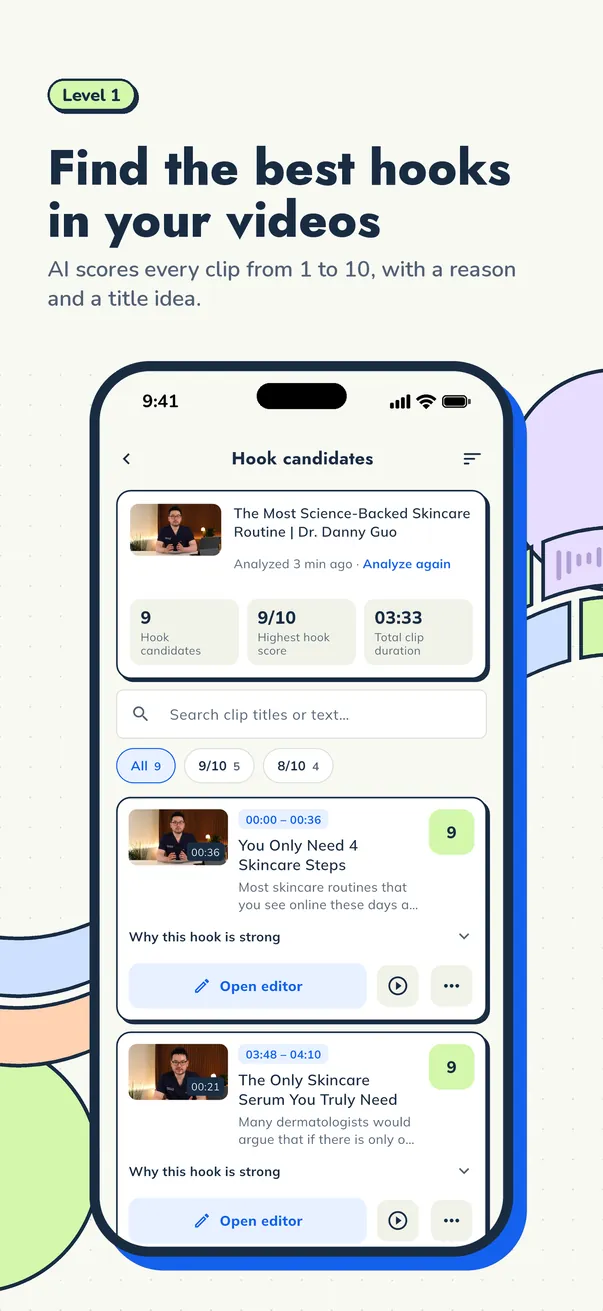
- Hook analysis. Your video file is not uploaded for hook analysis. What you get from the AI is a list of moments, a score from 1 to 10 for each segment, the reasons a moment is strong, and title ideas. This feature uses AI credits.
- On-device transcription. On-device transcription sends nothing. It is available on both Free and Pro.
- Exception 1: cloud transcription. Pro users can choose Cuplikin Cloud for faster transcription, which helps on less powerful phones and with long videos. It is optional, and when you use it, your video's audio is sent to be transcribed. If a file must not leave your device at all, stick with on-device transcription.
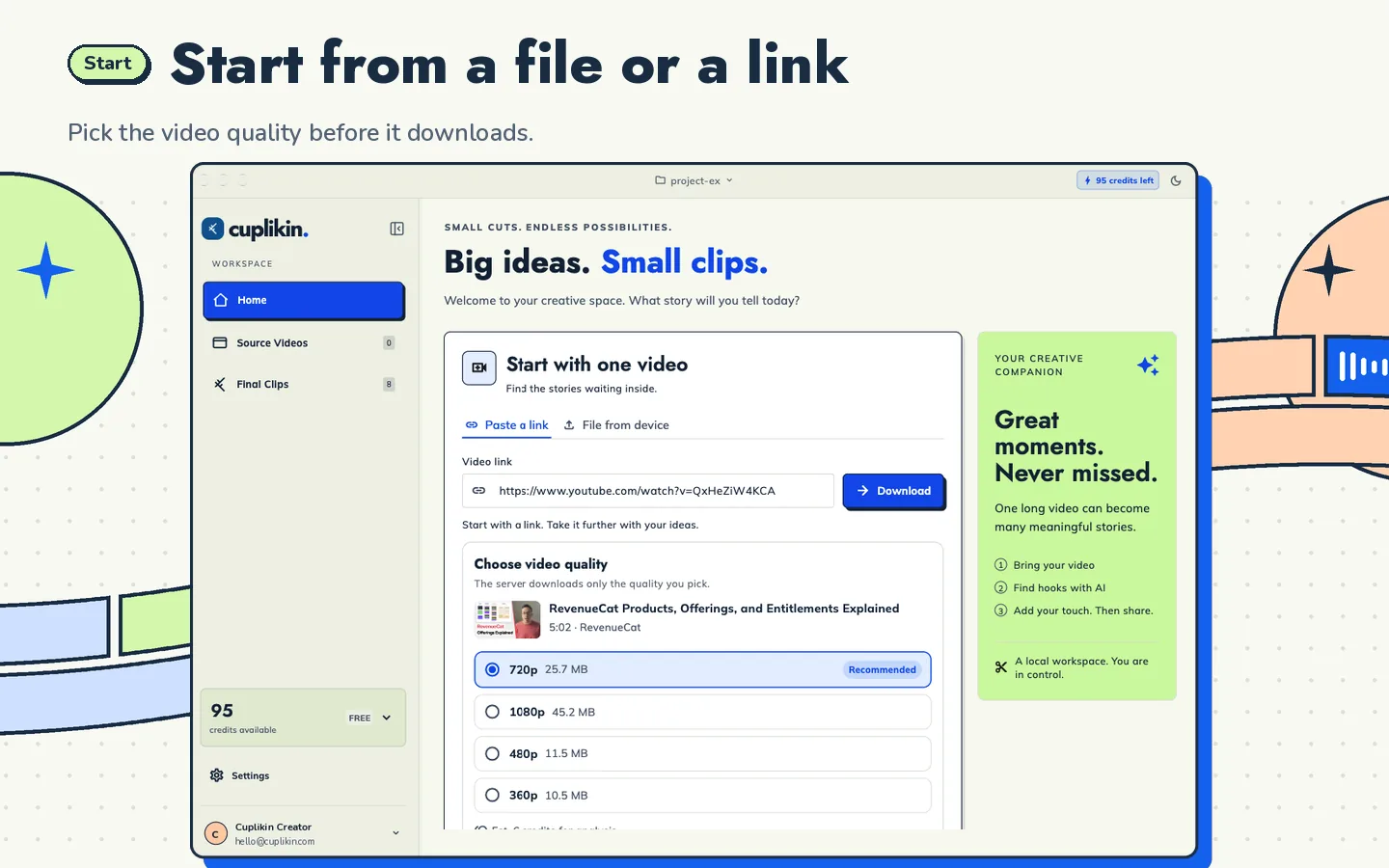
- Exception 2: URL imports. If you start from a supported link such as YouTube, the video is downloaded through the Cuplikin service. For sensitive files, start from a local file instead (MP4, MOV, or MKV on Mac; Photos or Files on iPhone; the gallery on Android).
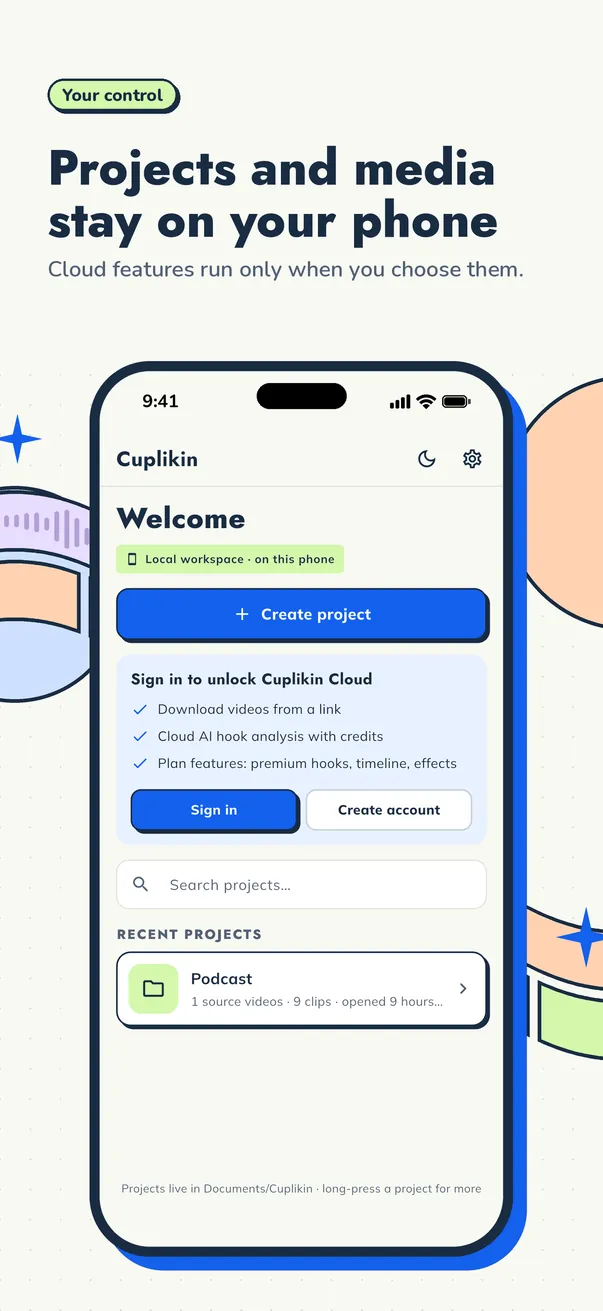
So Cuplikin is not "100% offline": sign-in, AI credits, link downloads, and cloud transcription all need the internet. But in the safest workflow, a local file plus on-device transcription, your source video file stays on your device.
A safe workflow for sensitive files
If you handle client footage or internal material, the workflow is simple:
- Keep source files in a working folder only you can access, ideally on an encrypted disk.
- Import the local file, not a public link.
- Use on-device transcription. On a phone, long videos may take longer, so keep the phone on a charger.
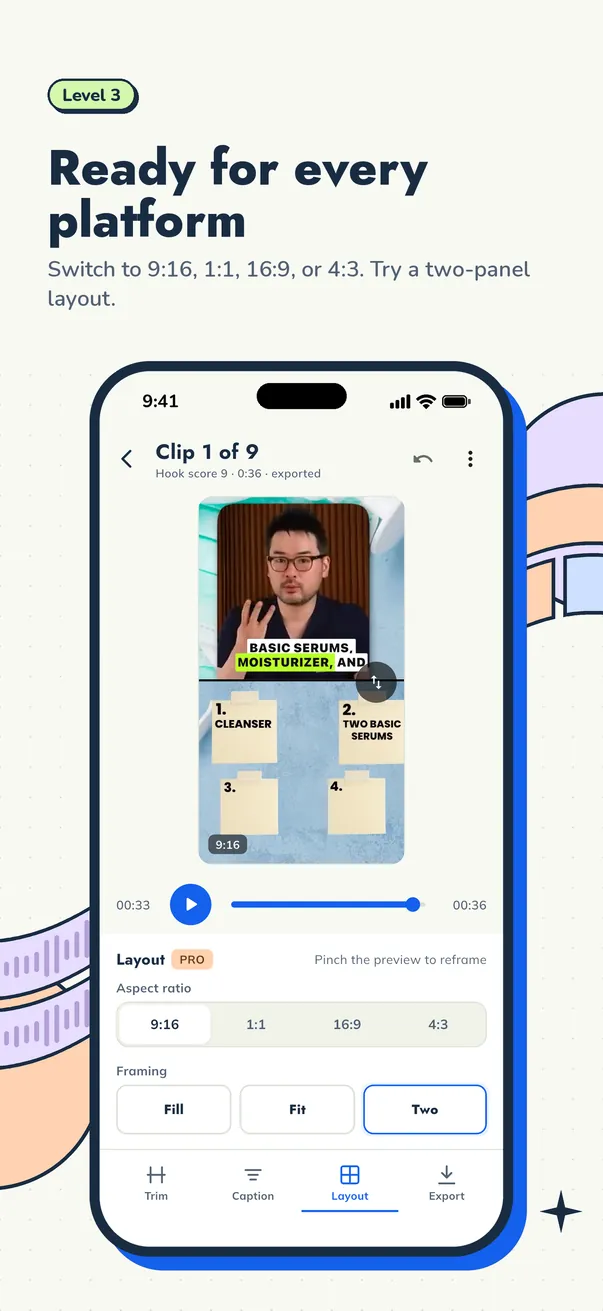
- Find hooks, trim, caption, and reframe to 9:16 as usual. The full steps are in how to turn long videos into short clips.
- Export to a clearly named folder, then deliver through the channel your contract specifies.
- When the project is done, delete or archive the files as agreed with the client.
If you clip for several clients, write this workflow into your proposals. Corporate clients are often more comfortable when they know exactly where their files go. See how to become a video clipper for tips on finding and keeping clients.
When cloud tools still make sense
Local tools aren't the answer for everyone. A cloud tool may suit you better if your team needs to edit the same project from several computers, if you already work mostly in the browser, or if your device is too slow to process long videos. For public content that has already been published, the upload risk is also lower. Choose based on the files you handle, not on habit.
FAQ
Is there a video clipping app that is truly offline?
Very few apps are 100% offline, because sign-in, payments, or AI features usually need the internet. What you need to confirm is whether your source video file is uploaded. In Cuplikin, your video file is not uploaded for hook analysis, and on-device transcription sends nothing.
Is it safe to clip NDA-covered client videos on my phone?
It can be, as long as you know where files are sent. Use local files, not links, and choose on-device transcription. In Cuplikin, avoid cloud transcription for NDA files, because that Pro feature sends audio to be transcribed. Always check what your NDA says about which tools you may use.
Does clipping video locally use less data?
Yes. Because the source file isn't uploaded, data is only used for small things like sign-in and online features. The exception is importing from a link, because the video still has to be downloaded. If you clip on your phone a lot, read how to clip long videos on iPhone and Android.
Try it with Cuplikin
Cuplikin keeps projects, source media, edits, and exports on your device, with on-device transcription for everyone and optional cloud transcription on Pro. The Free plan gives you exports up to 1080p with no watermark and unlimited local video processing. Free to download for Mac, iPhone, iPad, and Android. Download Cuplikin.