If you are looking for an OpusClip alternative, especially a free one, Cuplikin is worth trying. The biggest difference: the OpusClip Free plan produces watermarked clips and keeps media for 3 days, while the Cuplikin Free plan exports without a watermark and keeps projects on your device with no expiry. OpusClip is web and cloud based; Cuplikin is an app for phones and Macs.
We have tried to keep this comparison as fair as possible. OpusClip has real strengths, and below we explain when it is the better fit for you.
A note on the data
The OpusClip details in this article come from the OpusClip pricing page as of October 2026 (checked 14 October 2026). App prices and plan contents can change at any time, so re-check the official page before you decide. Cuplikin details and prices are US App Store prices as of 14 October 2026. Prices on Google Play and in other countries may differ, and the price that applies to you is always shown in the app before you pay.
Free plan comparison: OpusClip vs Cuplikin
| Aspect | OpusClip Free | Cuplikin Free |
|---|---|---|
| Watermark | Watermarked | No watermark |
| Export resolution | Up to 1080p | Up to 1080p |
| Media storage | 3 days before it expires | Never expires, stored on your device |
| Where processing happens | Cloud, video uploaded to their servers | Local video processing on your device |
| Platform | Mainly web (browser) | Apps for Mac, iPhone, iPad, Android |
| AI quota | See OpusClip's pricing page | 50 AI credits per month, reset monthly |
Paid plan price comparison
To keep things fair, this table uses US dollars for both: OpusClip prices from their pricing page, Cuplikin prices from the US App Store (before sales tax).
| Plan | OpusClip | Cuplikin (US App Store) |
|---|---|---|
| Weekly | Not listed | Pro $0.99 |
| Monthly | Starter $15, Pro $29 | Pro $1.99 |
| Yearly | See OpusClip's pricing page | Pro $14.99 |
| No subscription | See OpusClip's pricing page | Credit packs from $0.99 |
These numbers are not a like-for-like comparison. Credits, minute limits and features differ between plans. Cuplikin's monthly Pro gives 150 AI credits per month, while weekly Pro gives 20 credits per week. The most honest way to compare is to work out how many videos you process each month, then try both free plans with the same video.
If the watermark is your main concern, also read what to check in an AI clip maker without a watermark.
Cloud vs local: what it means for clippers
This is the most fundamental difference between the two.
How the cloud approach works
OpusClip is cloud based: you upload a video or paste a link, and processing runs on their servers. The upside is that you do not depend on your device's power. Even an old laptop works, as long as your internet connection is stable. The downside is that long videos have to be uploaded first, and on the free plan media is only kept for a limited time.
How the local approach works
Cuplikin processes video on your device. Projects, source media, edits and exports are stored on your device. Your video files are not uploaded for hook analysis, and on-device transcription sends nothing. The exceptions you should know about: imports from URLs such as YouTube are downloaded through Cuplikin's service, and cloud transcription (optional, Pro only) sends audio to be transcribed.
The trade-off is that local processing speed depends on your device. For long videos on a less powerful phone, cloud transcription on Pro can help.
Web vs phone and Mac apps
OpusClip runs in the browser. That is convenient if you are used to working on a laptop and switching between computers, because you can log in from anywhere.
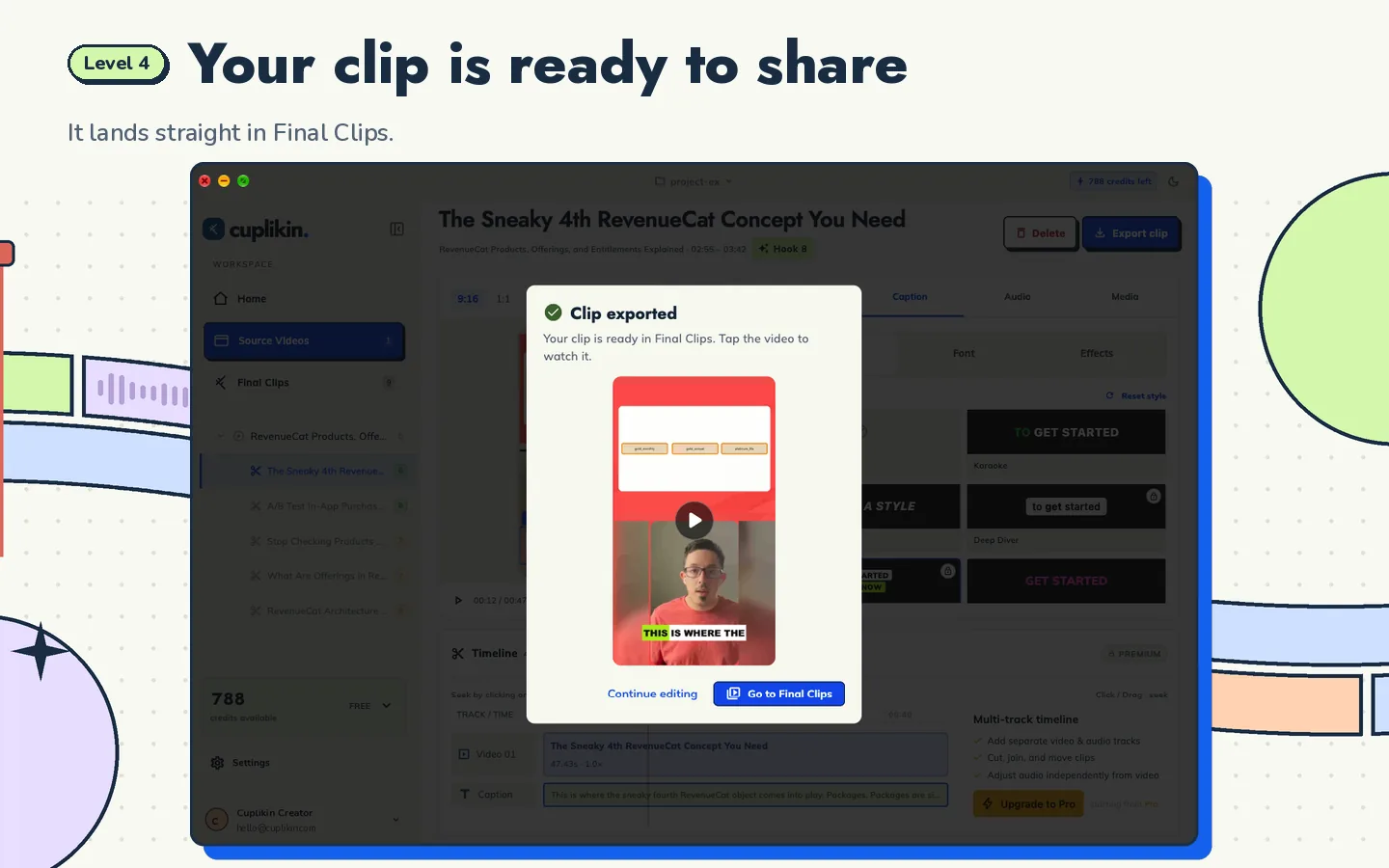
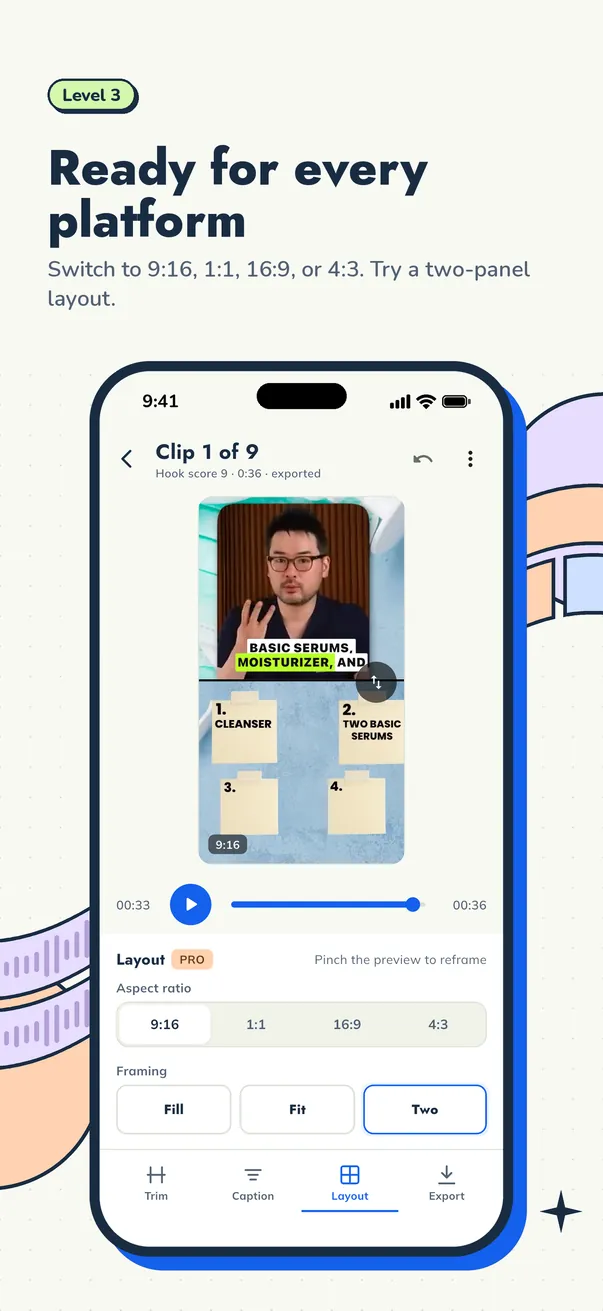
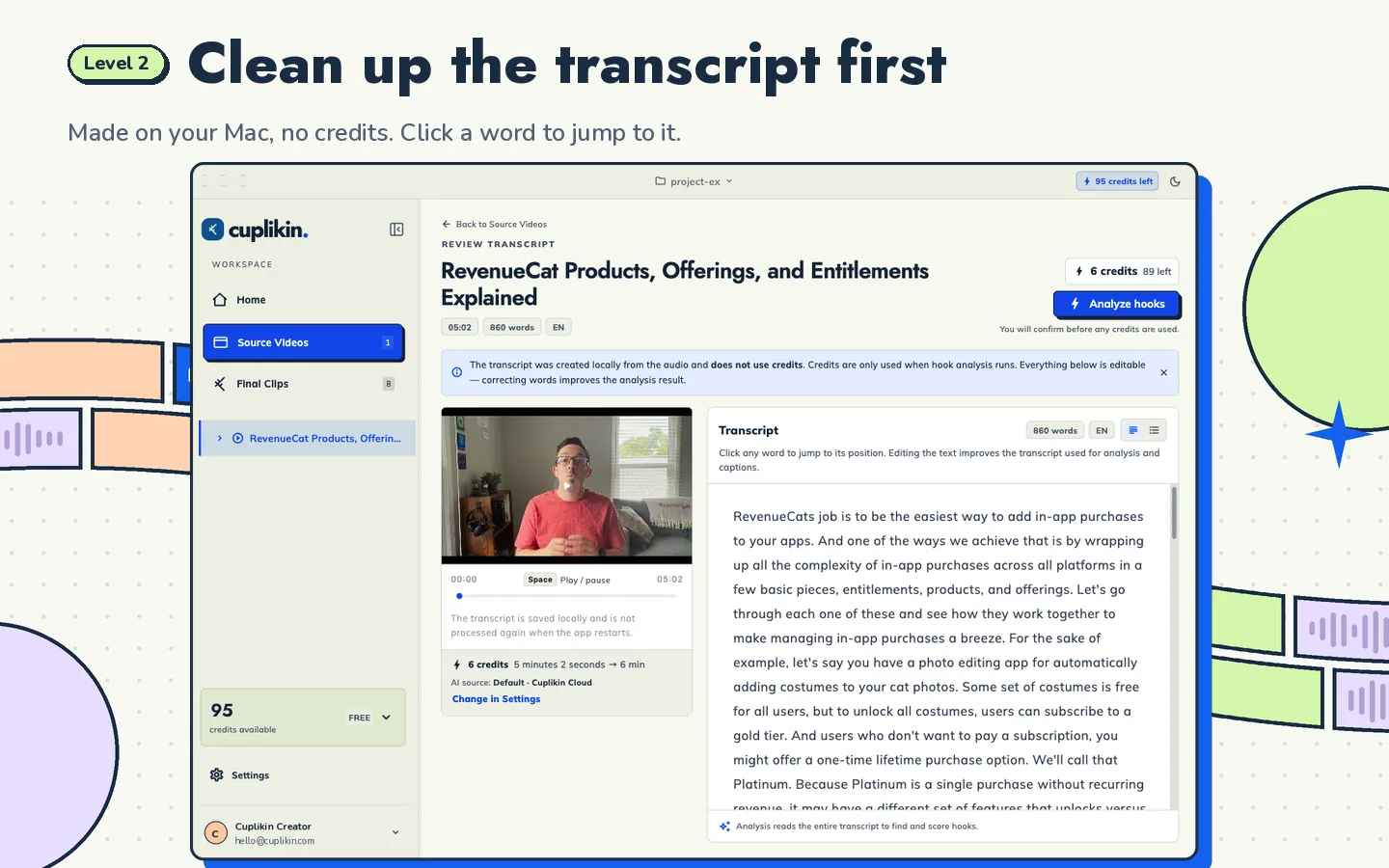
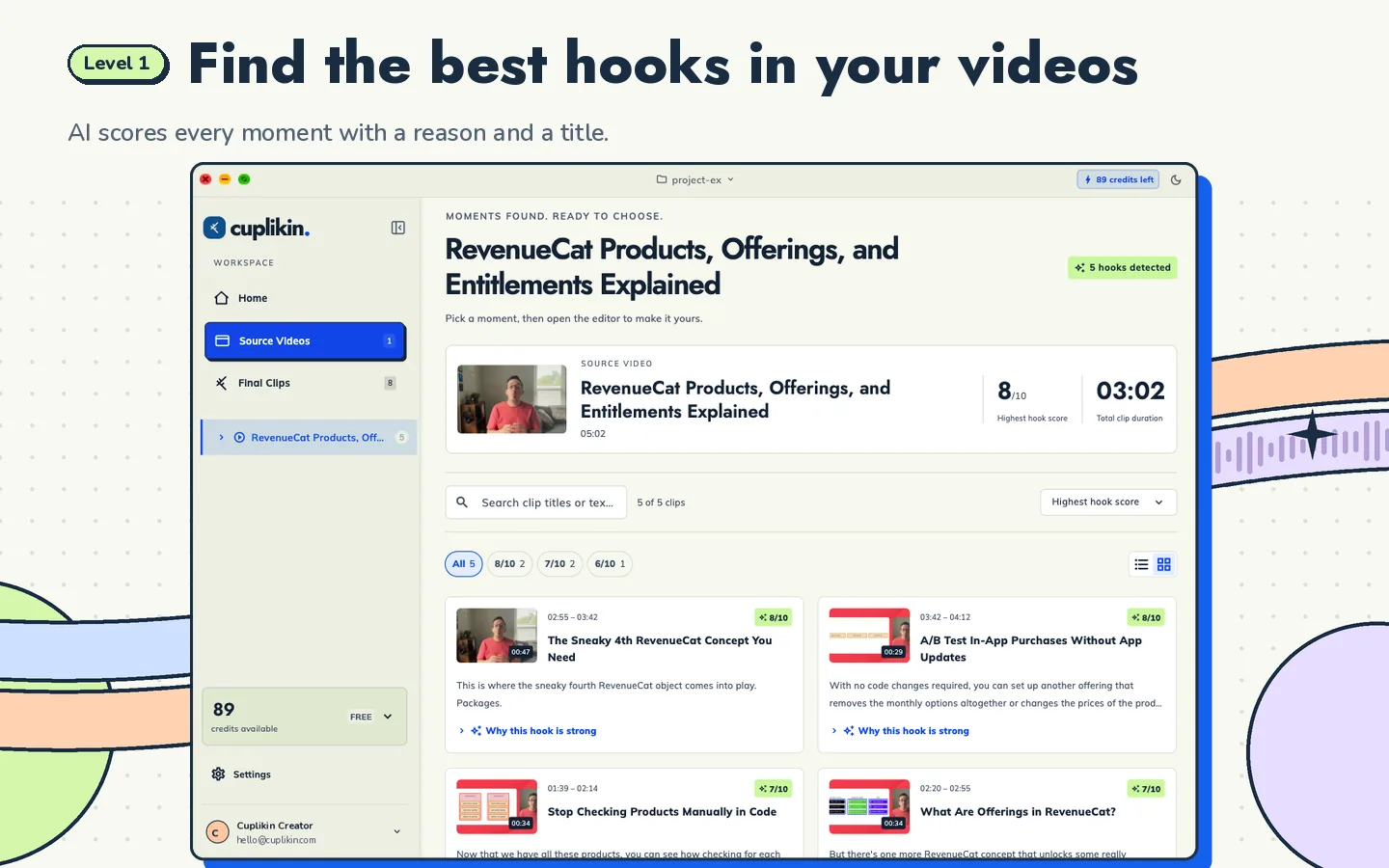
Cuplikin is an installed app for Mac (Apple silicon), iPhone, iPad and Android. The workflow is the same on every device: import, timestamped transcript, AI hook detection with a 1 to 10 score plus a reason and title ideas, trim on the timeline, edit the transcript word by word to fix captions, caption presets, 9:16 reframing with face crop or a two-panel layout, then export. On a phone, finished clips are saved straight to Photos or your gallery, ready to upload to TikTok, Reels or Shorts.
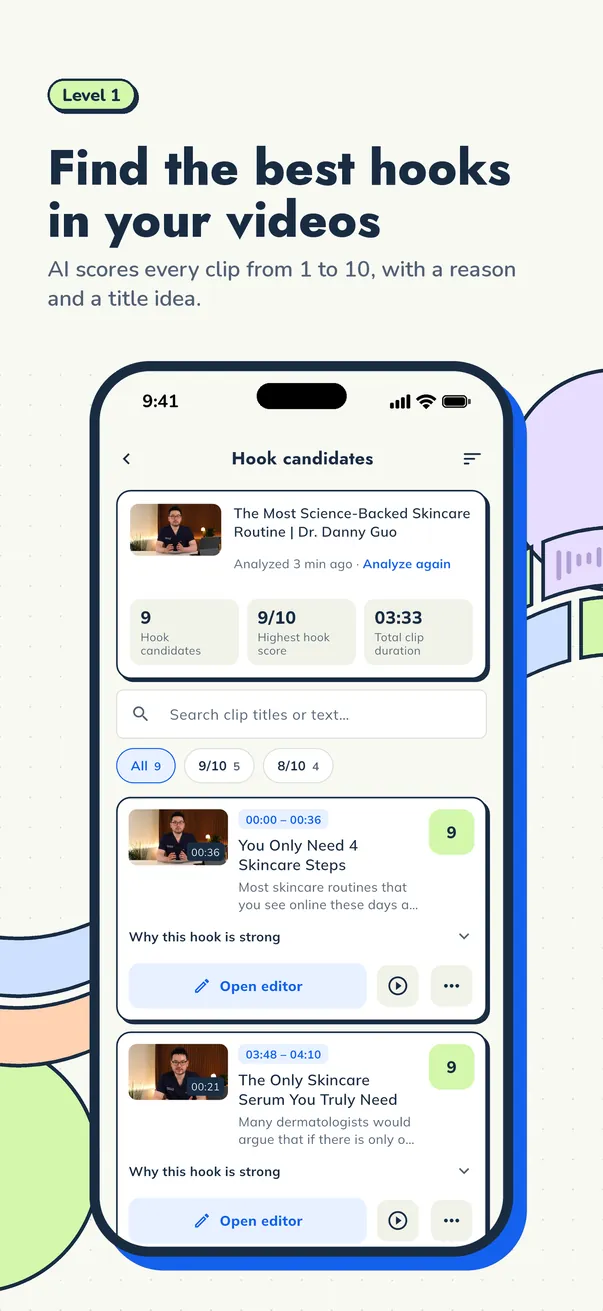
The hook score helps you judge which moments are worth clipping, but you still make the call. A score does not guarantee views. To train your own judgement, read how to find the best hooks in a long video.
When OpusClip is the better fit
We will not claim one app suits everyone. OpusClip may be the better choice if:
- You are used to working in the browser and do not want to install an app
- You work in a team and need web features for collaboration
- Your device struggles with local video processing, but your internet is fast and stable
- You do not mind a watermark on the free plan, or you plan to subscribe right away
- You use Windows or a Chromebook, since Cuplikin is currently available for Mac, iPhone, iPad and Android
When Cuplikin is the better fit
Cuplikin makes more sense if:
- You are starting out on a free plan. Watermark-free exports at up to 1080p mean clips from the Free plan are good enough to send to clients.
- You work from your phone. The full clipping workflow is available on iPhone and Android, not a cut-down version. See how to clip long videos on iPhone and Android.
- You care about privacy. Projects and media are stored on your device, and your video files are not uploaded for hook analysis.
- You get a lot of revision requests. Projects do not expire, so a revision next week or next month does not mean starting from scratch.
- You process many videos. Local video processing on the Free plan is unlimited; what is limited is AI credits (50 per month) and URL downloads (3 per day).
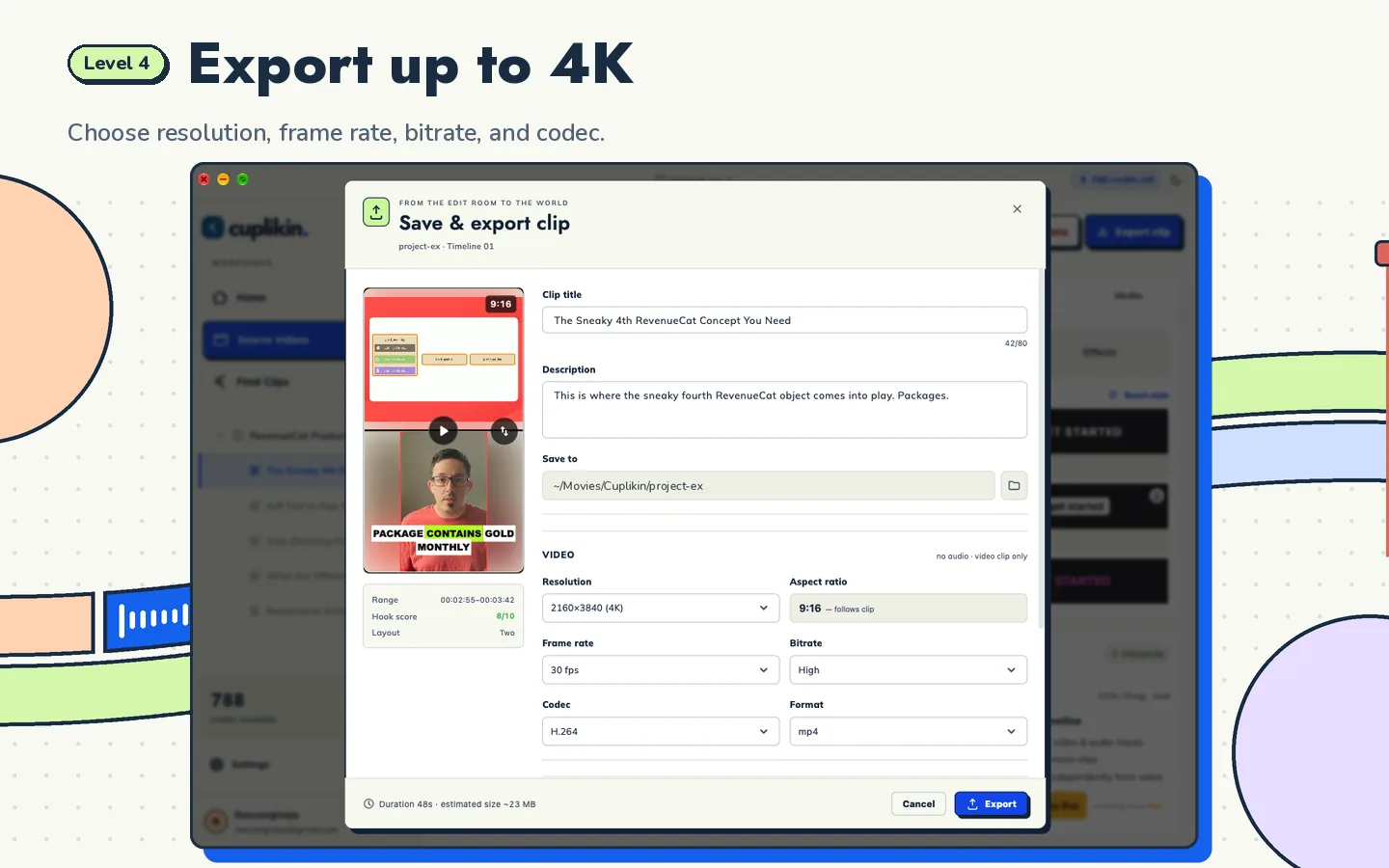
If you need more, Pro unlocks exports up to 4K, unlimited URL downloads, cloud transcription and every hook score (the Free plan can unlock hooks scored up to 8).
How to test both fairly
The best way to choose is to try both yourself with the same video:
- Pick one long video that represents your work, for example a 30 to 60 minute podcast.
- Process it in both apps on the free plan.
- Compare the suggested moments, caption accuracy, vertical framing and export quality.
- Watch each export to the very end to check for a watermark.
- Time how long it takes from import to a clip that is ready to deliver.
For a complete clipping workflow you can use in any app, read the main guide on how to turn long videos into short clips.
FAQ
Is Cuplikin really free?
Cuplikin is free to download, and the Free plan works without a subscription: 50 AI credits per month, 3 URL downloads per day, watermark-free exports up to 1080p, and unlimited local video processing. Pro subscriptions and credit packs are available as in-app purchases if you need more.
How much does Cuplikin Pro cost?
On the US App Store, Cuplikin Pro is $0.99 per week, $1.99 per month or $14.99 per year, before sales tax. Credit packs start at $0.99 for 100 credits. Prices on Google Play and in other countries may differ, and the price that applies to you is always shown in the app before you pay.
Does the OpusClip Free plan have a watermark?
As of October 2026, according to OpusClip's pricing page, the Free plan produces watermarked clips, renders up to 1080p, and keeps media for 3 days before it expires. These terms may change, so re-check at opus.pro/pricing.
Is my video uploaded to a server when I use Cuplikin?
Your video files are not uploaded for hook analysis, and projects and exports are stored on your device. The exceptions: URL imports are downloaded through Cuplikin's service, and cloud transcription (optional, Pro only) sends audio to be transcribed. If you use a local file and on-device transcription, transcription sends nothing.
Try it with Cuplikin
If you want an OpusClip alternative that exports without a watermark on the free plan, works on your phone, and keeps projects on your own device, try Cuplikin on Mac, iPhone, iPad or Android. Download Cuplikin and compare the results yourself with the same video.