LEVEL 01
Bring your video
Add a local video or a supported URL. On Mac, create a project in a folder you choose; on iPhone and Android, projects live inside the app. Your source media stays on your device.
 cuplikin.
BIG IDEAS. LITTLE CLIPS.
Turn hidden moments into something worth watching. Find hooks with AI, play with captions, and share your story. On Mac, iPhone, or Android.
Start free. Let your ideas level up.
macOS 12+ with Apple silicon (M1 or later) · iOS & iPadOS 15+ · Android 7.0+
Click. Turn one video into three ideas.
PRESS PLAY. SAY HELLO.
From a long video to a clip ready to share. See how it all comes together in Cuplikin.
YOUR FIRST QUEST
No pro skills required. Bring your video, follow the path, and make it your own.
LEVEL 01
Add a local video or a supported URL. On Mac, create a project in a folder you choose; on iPhone and Android, projects live inside the app. Your source media stays on your device.
LEVEL 02
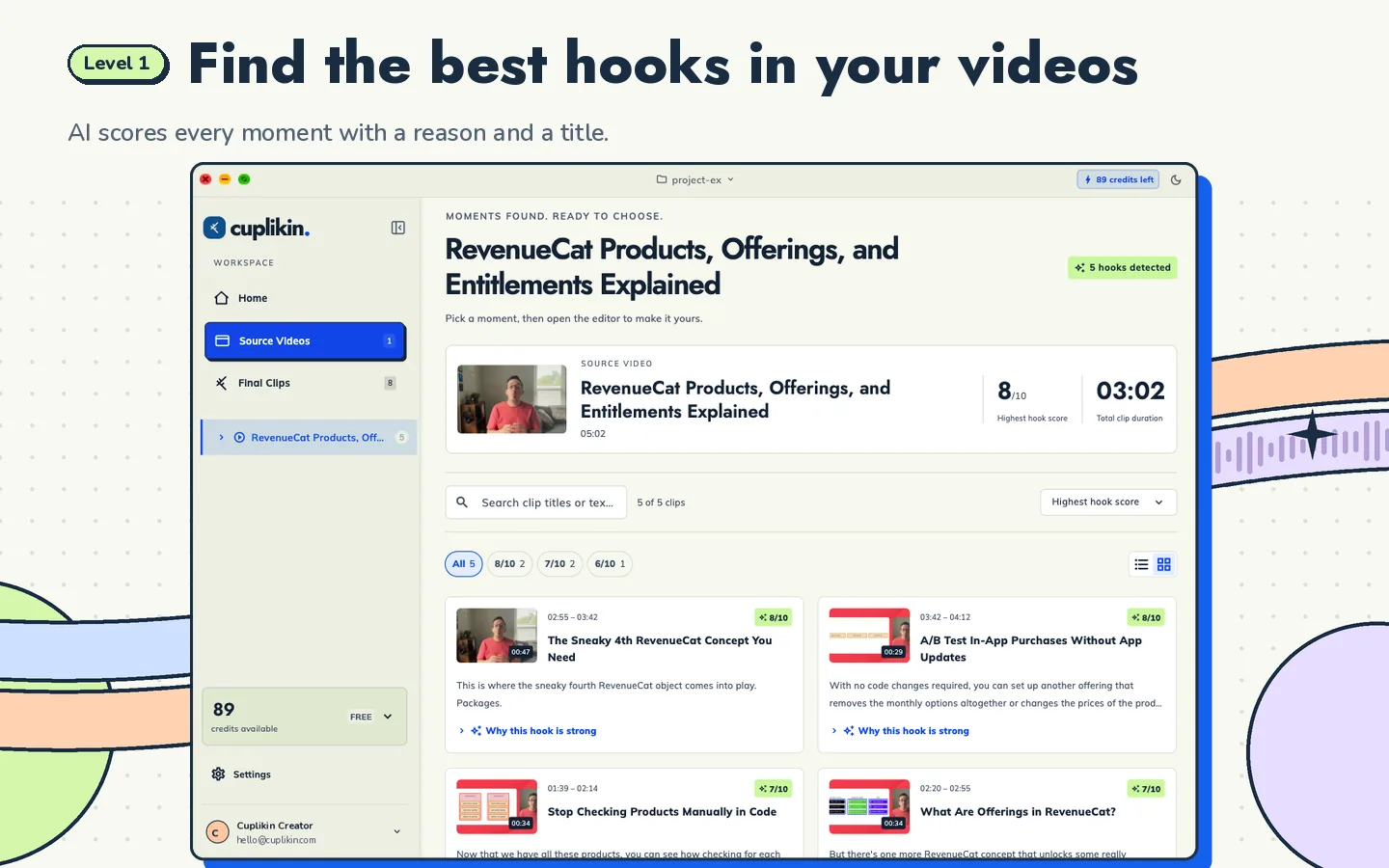
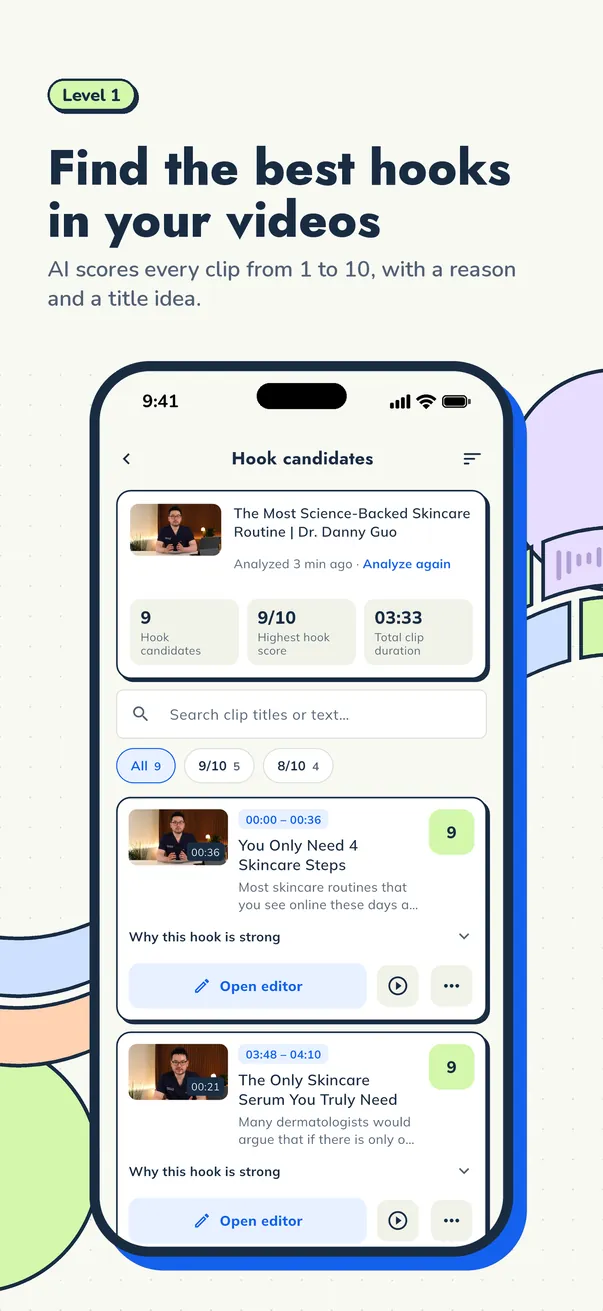
Create and review a transcript, then discover suggested hooks with potential scores, explanations, and title ideas. Choose the moments that fit your story.
LEVEL 03
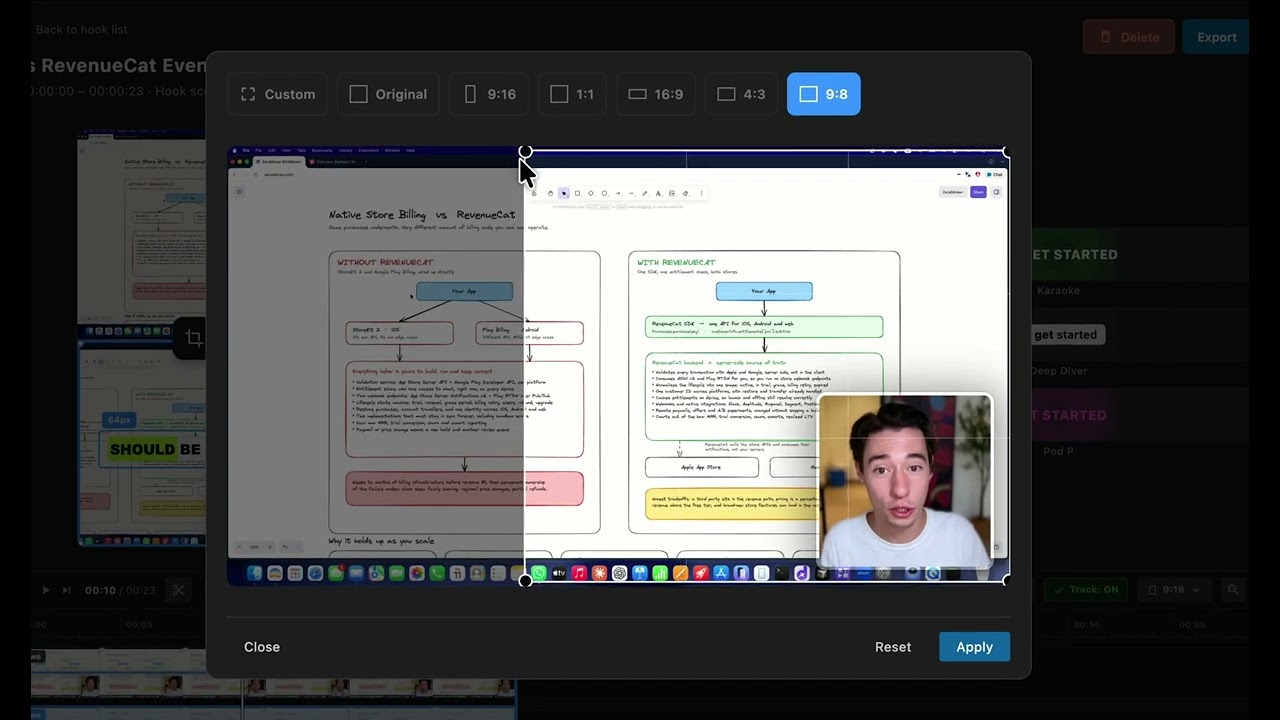
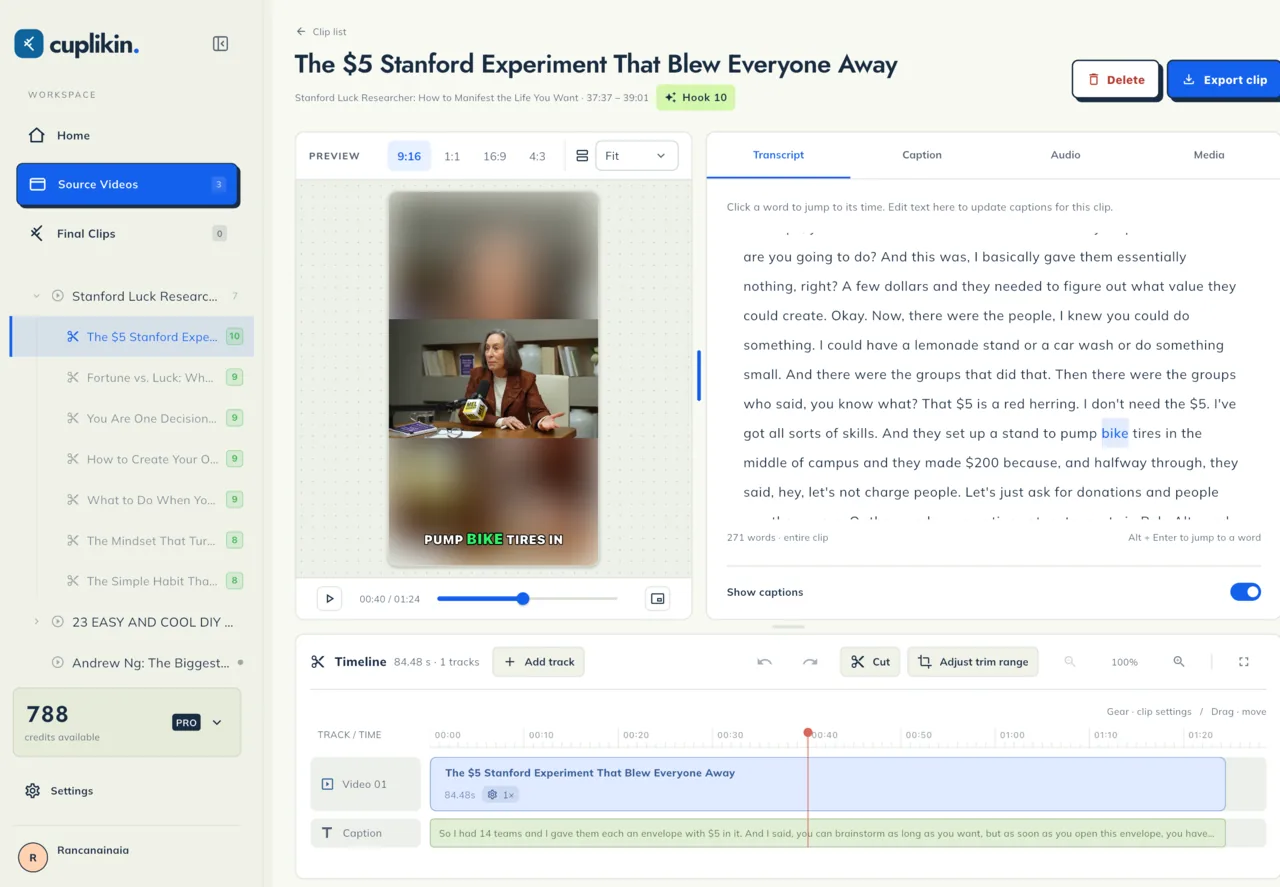
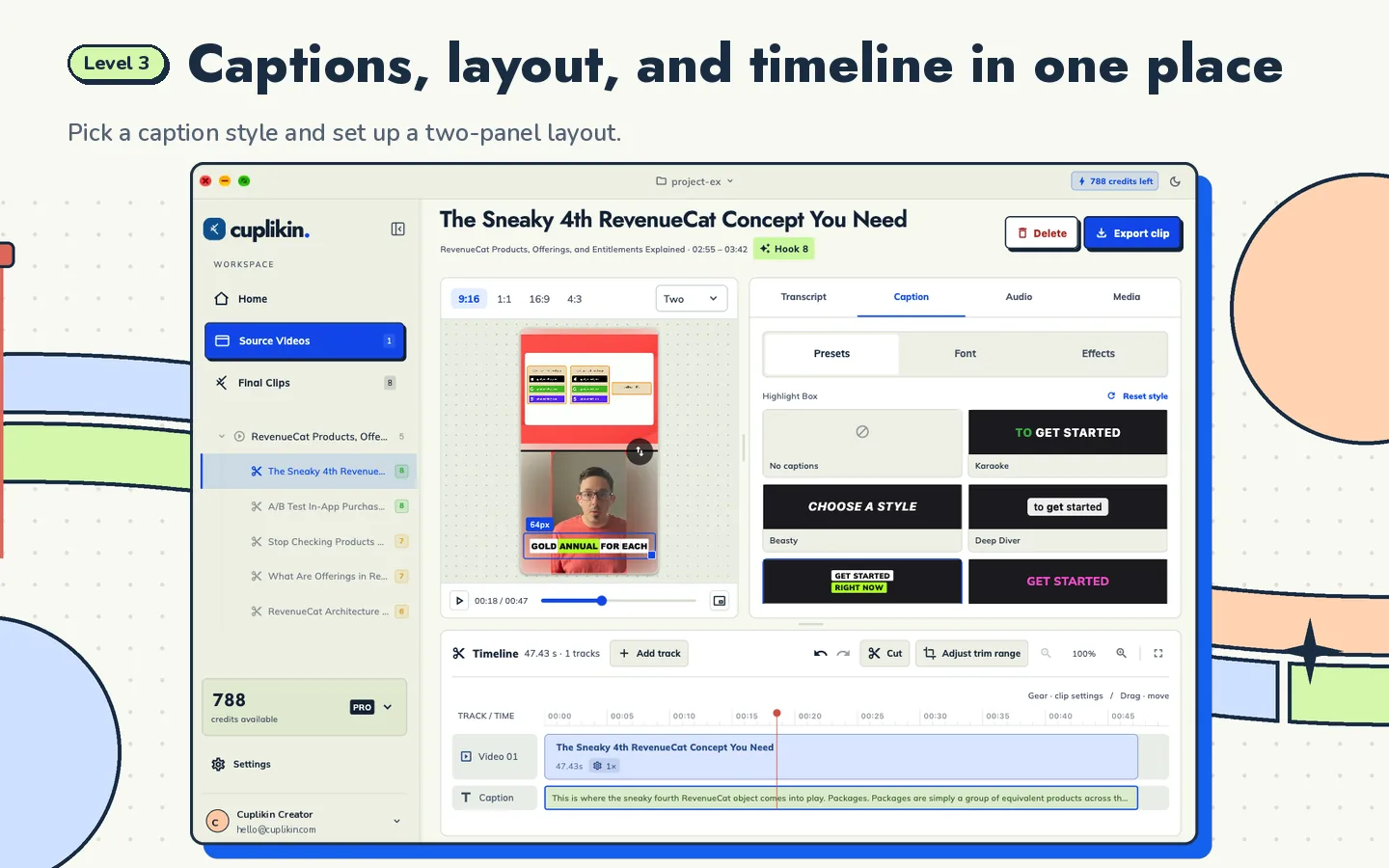
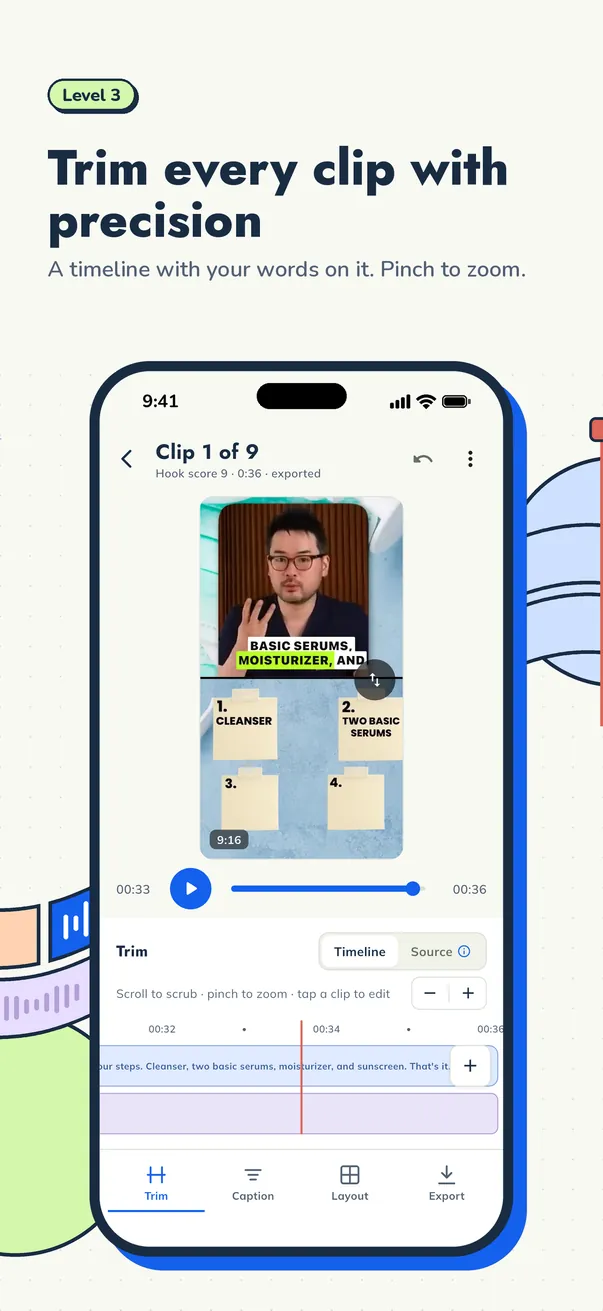
Adjust where your clip starts and ends, correct words, and style your captions. Preview the result before moving on to export.
LEVEL 04
Export to a folder you choose on Mac, or straight to your phone's gallery. Your clips are ready for you to use on Reels, Shorts, TikTok, or wherever your audience is.
YOUR CREATIVE INVENTORY
AI is your creative sidekick. You make the calls. Explore your tools below.
Find moments worth sharing, with AI scores and reasoning to guide you.
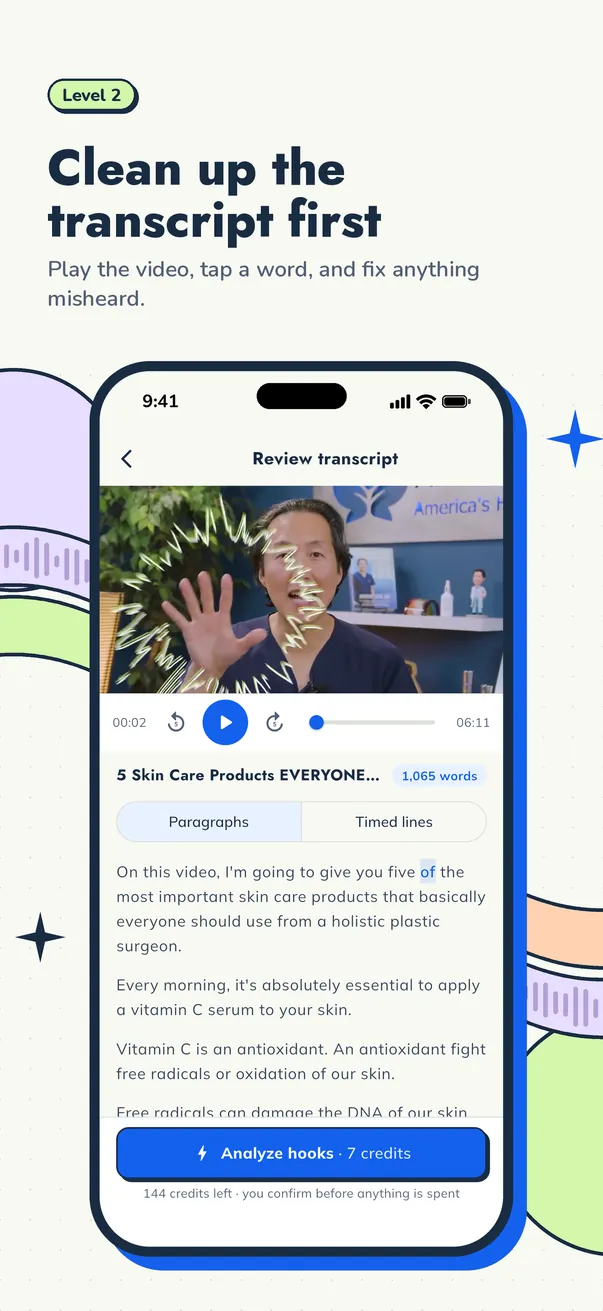
Refine the transcript, style your captions, and get every cut just right.
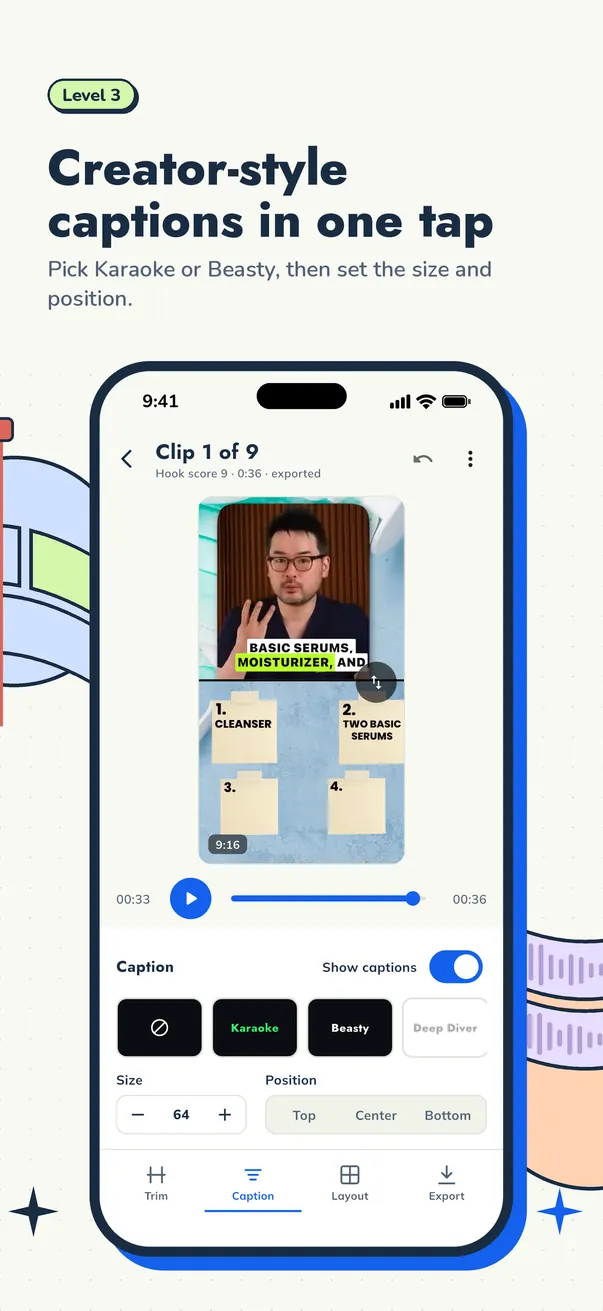
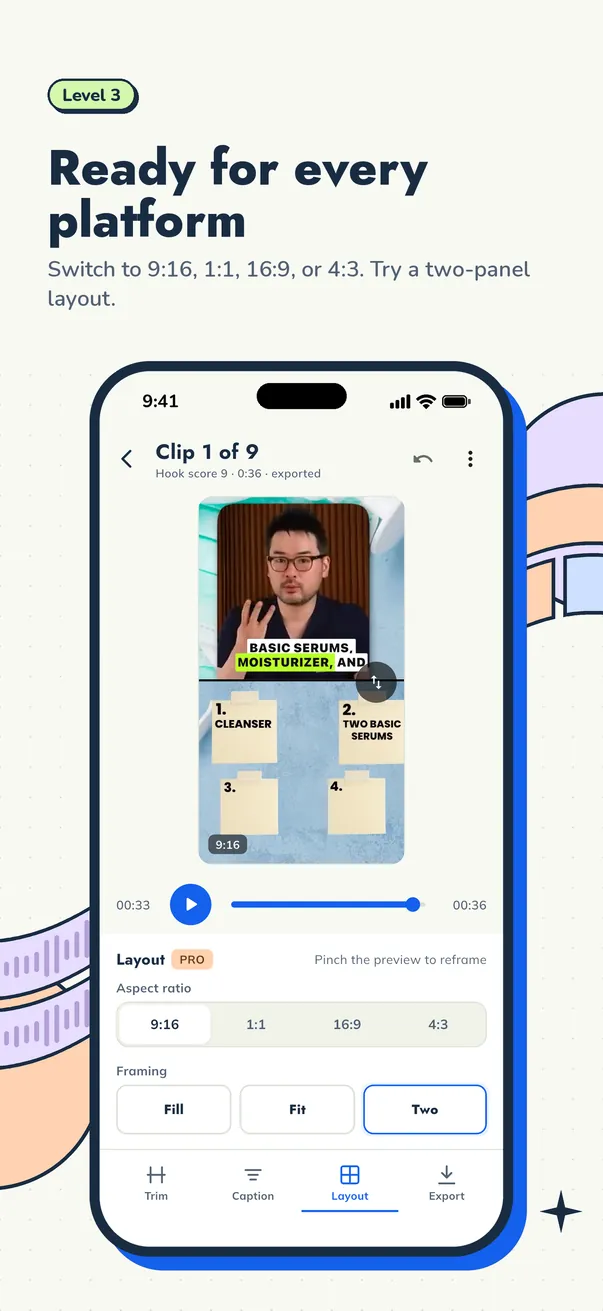
Review your finished clips before sharing them with the world.
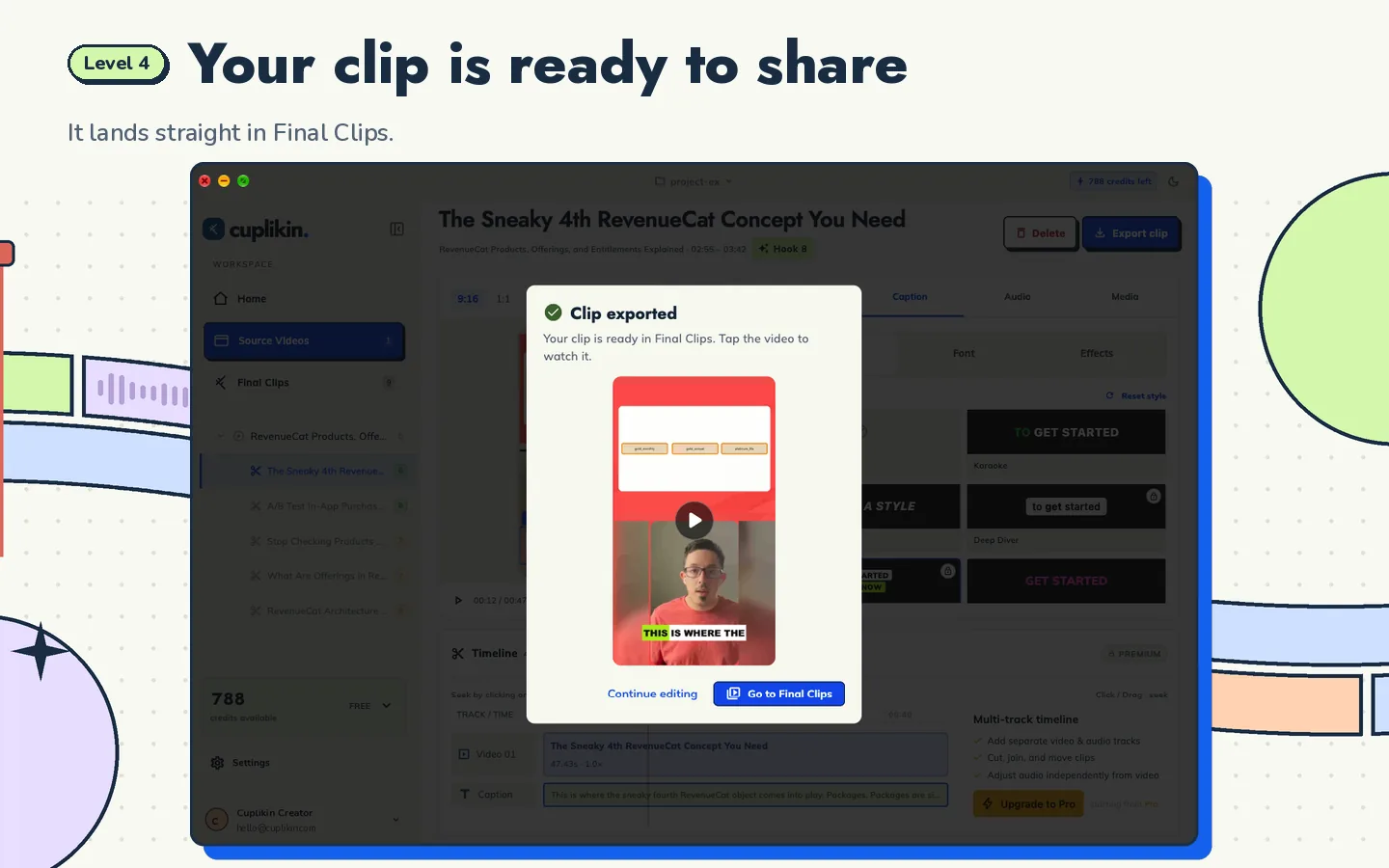
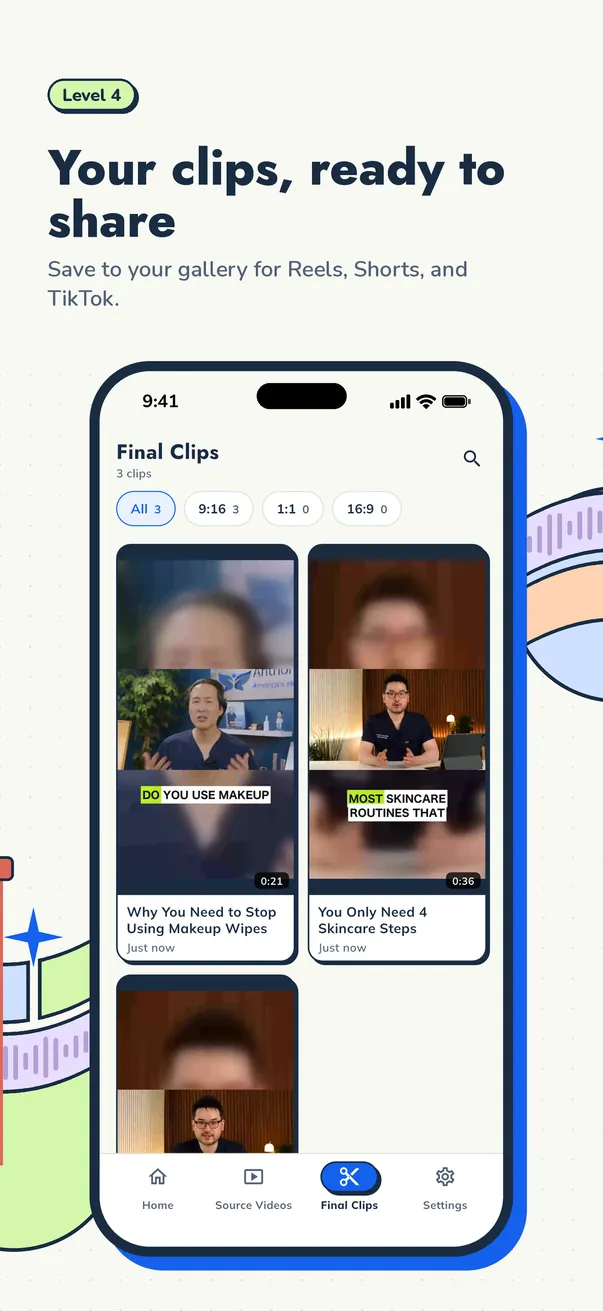
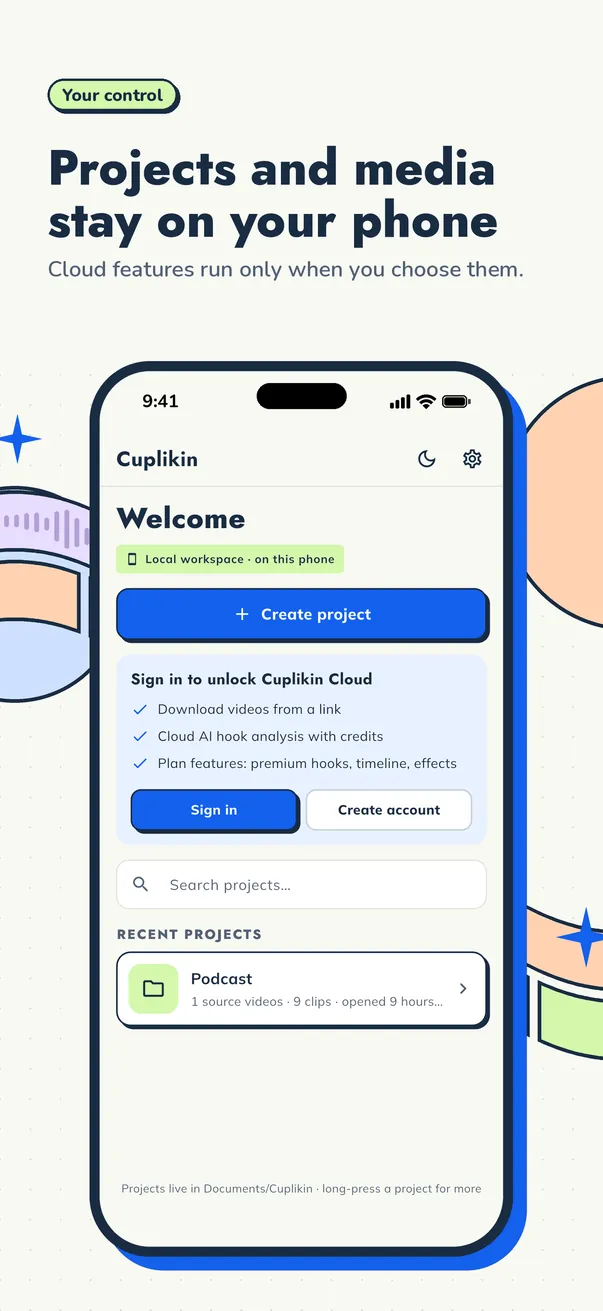
Mac and iPhone app screenshots from the App Store listing. Switch between Desktop and Mobile to see both. Sample media for illustration.
ALSO ON YOUR PHONE
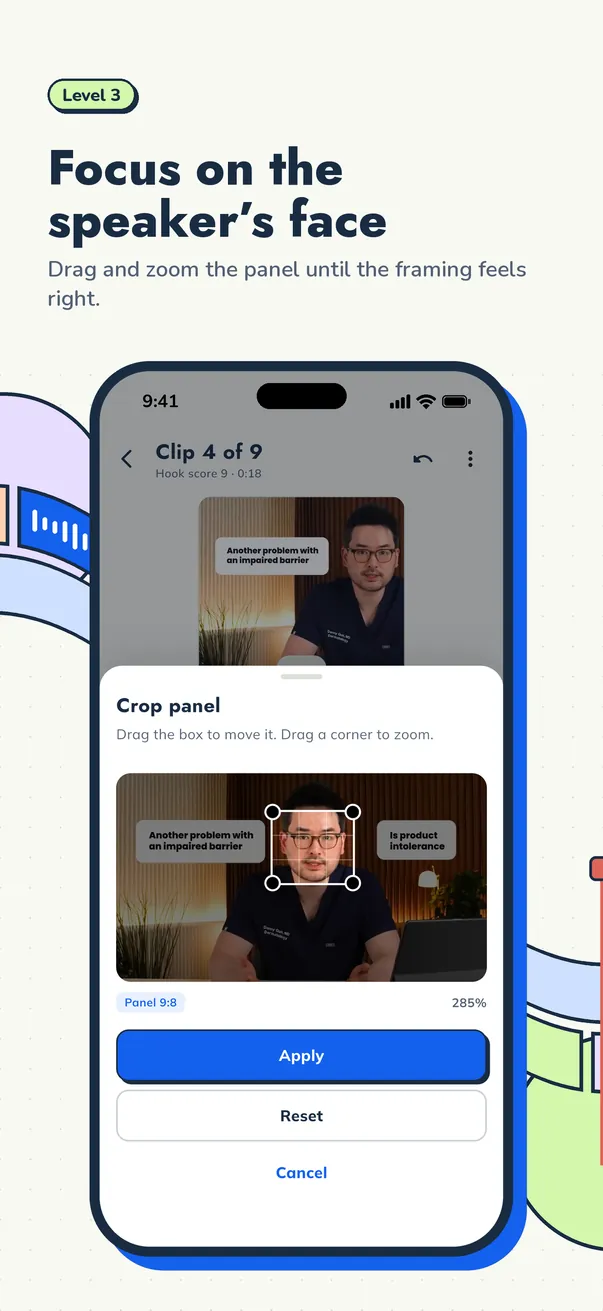
Find hooks, fix the transcript, style captions, and save clips straight to your gallery — on iPhone, iPad, and Android.
YOUR CREATIVITY. YOUR CONTROL.
Projects, source videos, edits, and exports are stored on your device. When you choose cloud features, only the data needed for those features is sent for processing. Pick the workflow that works for you.
Read our privacy policyOnline features run when you choose them.
START WITH WHAT YOU NEED
Start with a free download. Add more possibilities when you need them.
FREE FOREVER
$0, no card. Enough to start clipping.
PRO SUBSCRIPTION
From $0.99 per week in the US.
CREDIT PACKS
Buy once, no subscription.
Prices shown are US App Store prices before sales tax. Your country, Google Play, and occasional in-app offers may show a different price. The app always shows the price that applies to you before you pay. Subscriptions renew automatically and can be cancelled anytime in your App Store or Google Play settings.
BEFORE YOU START
Cuplikin runs on Macs with Apple silicon (M1 or later) and macOS 12 or later, iPhone and iPad with iOS/iPadOS 15 or later, and Android devices with Android 7.0 or later. Get the official app from the App Store or Google Play.
Yes. Cuplikin is free to download, and the Free plan has no time limit: 50 AI credits a month, exports up to 1080p with no watermark, and on-device transcription. Pro starts at $0.99 per week on the US App Store, and credit packs are available as in-app purchases. Prices vary by country; the app always shows yours before you pay.
No. Clips you export from Cuplikin carry no watermark, on both the Free and Pro plans. Free exports go up to 1080p; Pro adds 4K export.
Source media, projects, edits, and exports are stored locally. If you choose online features, the relevant service processes the minimum data it needs. Your video file is not uploaded for hook analysis. Read the Privacy Policy for details.
Cuplikin keeps media and projects local. Account features, URL downloads, purchases, and cloud services need an internet connection. The connection requirements for AI analysis depend on the provider you choose.
AI suggests hooks, potential scores, and titles. You choose the clips, review the text, and decide what makes the final cut. Scores help you assess ideas; they do not guarantee views.
Open Help & Support in the app or visit the support page linked below. You can also send your questions to hello@cuplikin.com.
PLAYER ONE, READY?
Your video already has great moments. Let's find them with Cuplikin.
macOS 12+ with Apple silicon (M1 or later) · iOS & iPadOS 15+ · Android 7.0+
Free to download. In-app purchases available.